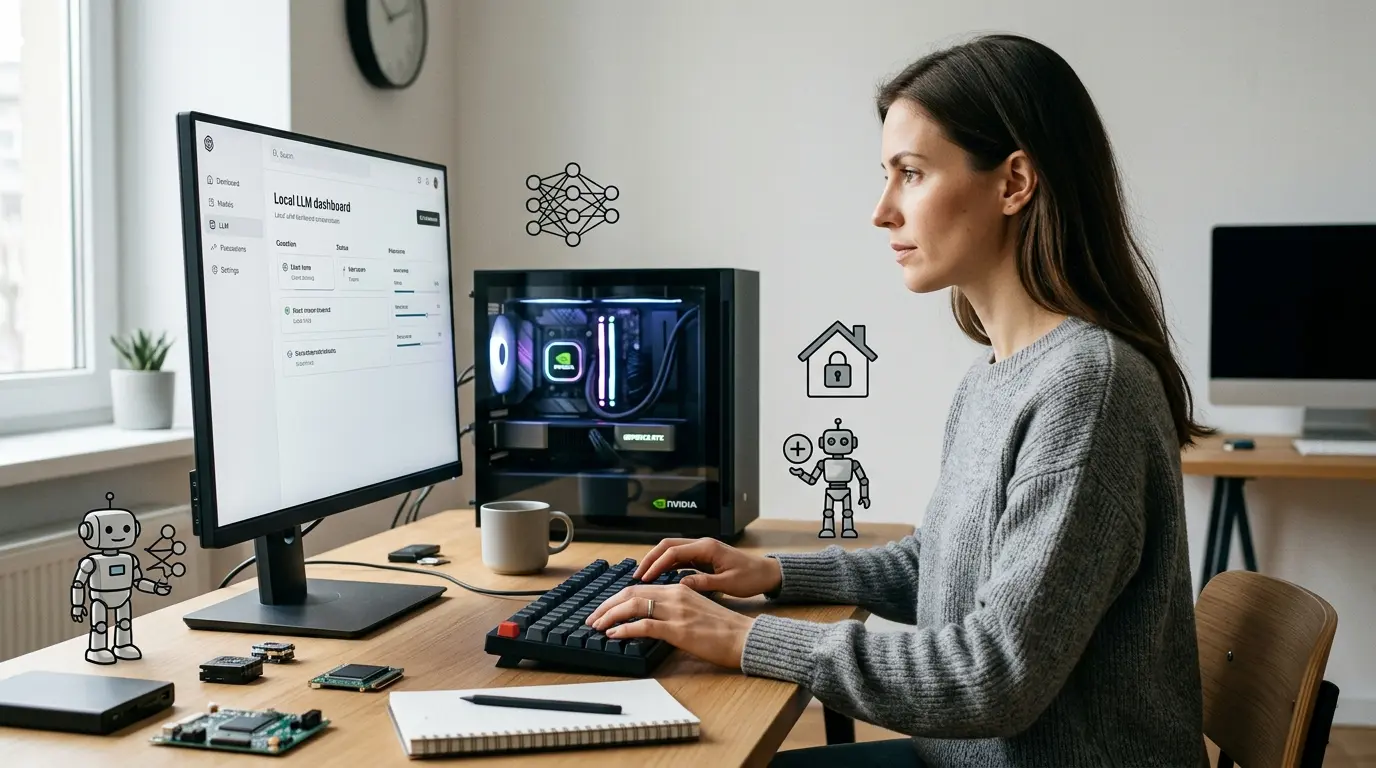
Local AI lets a computer generate answers, analyze files, write code or power an AI agent without sending every prompt to a hosted model provider. The model inference runs on a laptop, workstation, private server or edge device that you control.
That definition is narrower than many product claims. A desktop app can still call a cloud model. A locally stored document can still be sent to an external API. An agent can use a local language model while its search, email or analytics tools operate online. To know whether a system is genuinely local, follow the complete data path: model, runtime, interface, embeddings, storage, tools and telemetry.
This hub is the starting point for AI World Today's practical Local AI coverage. If you want to install a model immediately, use the step-by-step guide to running AI locally. If you want software that can take actions as well as generate text, start with AI agents and then build a local AI agent.
What is Local AI?
Local AI is an AI system in which the main inference workload runs on hardware controlled by the user or organization. For a consumer, that may be a MacBook or gaming PC. For a company, it may be a GPU workstation, an on-premises server or a private cluster.
The model weights are downloaded or deployed to that hardware. A runtime loads those weights into RAM, GPU memory or unified memory, processes the prompt and generates the response. After the initial download, many configurations can work offline.
Local AI can include:
- A chat interface connected to an open-weight language model
- A coding assistant served from a workstation
- A retrieval-augmented generation system that searches private documents
- A vision model that analyzes images on a device
- A speech model that transcribes audio locally
- An AI agent that uses a local model to select and call approved tools
The key test is where each operation happens. The label does not depend on whether the interface looks like ChatGPT or whether the application was installed on a computer.
Local AI, on-device AI and private AI
These terms overlap, but they are not interchangeable.
| Term | Practical meaning | Important qualification |
| Local AI | Inference runs on hardware you control | Some components can still use external services |
| On-device AI | Inference runs on the phone, PC or edge device in use | Usually optimized for limited power and memory |
| On-premises AI | The organization runs the system in its own environment | It may still have internet access and vendor dependencies |
| Private AI | A broad promise about control, access and data handling | Verify architecture, contracts, retention and telemetry |
| Offline AI | The complete workflow can operate without an internet connection | Model downloads and software updates usually require connectivity first |
A privacy claim should be supported by configuration and testing. Our guide to Local AI privacy and safety shows what to inspect before using sensitive files.
The five layers of a Local AI system
A model is only one part of the stack. Most useful systems have five layers.
1. The model
The model determines language quality, supported inputs, context length, tool use, licensing and baseline hardware demand. Important open-weight families include OpenAI's gpt-oss, Meta's Llama, Mistral models, DeepSeek, Alibaba's Qwen and Google's Gemma.
Open-weight means the trained parameters are available to download under a license. It does not automatically mean that the training data, complete source code and reproducible training process are open. Our best Local AI models guide compares practical choices by hardware and task rather than treating one benchmark leader as the universal winner.
2. The runtime
The runtime loads and executes the model. Ollama focuses on a simple command-line and API workflow. LM Studio provides a desktop interface, model discovery and local servers. llama.cpp offers highly portable inference across a wide range of hardware. MLX LM is designed for language-model inference and fine-tuning on Apple silicon.
These tools overlap, but they serve different users. Read the Ollama complete guide for a reproducible terminal and API setup, or the existing LM Studio tutorial for a visual desktop route.
3. The interface or application
The interface may be a chat window, an editor extension, a command-line tool, a web application or custom software. It sends prompts to the runtime and displays the results. OpenAI-compatible local endpoints make it possible to redirect many applications from a hosted API to a model running on localhost, although feature compatibility varies.
4. Data and retrieval
A basic model answers from its trained parameters and the text placed in the prompt. Retrieval-augmented generation, or RAG, adds a searchable collection of documents. A retrieval pipeline normally extracts text, divides it into chunks, creates embeddings, stores them in an index and retrieves relevant passages for each question.
Every one of those stages matters for privacy. A local generation model paired with a cloud embedding service is a hybrid system. The local RAG guide explains how to keep document processing, embeddings, storage and generation on infrastructure you control.
5. Tools and agents
An AI agent adds a loop around the model. It receives a goal, decides on a next step, calls an allowed tool, observes the result and continues until it reaches a stopping condition or requests human approval. Tools can search a database, read a file, run code, update a ticket or interact with another application.
This makes agents more capable and more consequential than local chat. The model can be fully local while an agent's actions affect external systems. Tool permissions, network boundaries, credentials, logs and approval gates therefore matter as much as the model location. See the AI agent architecture guide for the complete system design.
Open models and closed AI services
Local and cloud AI are deployment categories; open and closed describe access and control. The combinations produce different trade-offs.
| Approach | Examples | Main strengths | Main constraints |
| Open-weight model on a local runtime | gpt-oss, Llama, Mistral, DeepSeek, Qwen or Gemma through Ollama, LM Studio or llama.cpp | Data-path control, offline use, predictable marginal inference cost, customization | Hardware, setup, updates, local security and usually lower peak capability than the strongest hosted systems |
| Open-weight model in a private cloud | The same families on rented or dedicated GPU infrastructure | More scale and centralized operations while retaining model choice | Cloud cost, infrastructure work and shared-responsibility security |
| Closed hosted model | OpenAI, Anthropic Claude, Google Gemini and other provider APIs | Leading capabilities, managed scaling, mature multimodal features | External processing, usage-based cost, provider policies and less deployment control |
| Hybrid system | Local retrieval or small model with a hosted model for selected tasks | Routes each workload to an appropriate cost, privacy and quality tier | More architecture, governance and failure modes to manage |
ChatGPT, Claude and Gemini are hosted products. Installing their desktop applications does not download the flagship service and run it locally. OpenAI separately publishes gpt-oss open-weight models; OpenAI's own local Ollama instructions describe a 20-billion-parameter model for systems with at least 16 GB of VRAM or unified memory and a much larger 120-billion-parameter option for roughly 60 GB or more. The distinction is covered fully in Can You Run ChatGPT Locally?.
What can you do with Local AI?
Private drafting and analysis
Local chat is useful for summarizing text, restructuring notes, extracting fields, generating drafts and answering questions when a suitable model fits the available memory. Offline use also helps in locations with unreliable connectivity.
Coding assistance
Code-focused models can explain repositories, suggest changes and generate tests. They can be connected to editor extensions or terminal agents through a local API. Grant repository write access only after testing read-only behavior and recovery procedures.
Chat with documents
Local RAG can search policies, research papers, manuals, case files or project documentation. It is valuable when documents should remain within a controlled environment, but retrieval quality still depends on parsing, chunking, embeddings and source citations.
Automation and AI agents
Local models can classify requests, select tools and coordinate repeatable workflows. The Local AI Agents guide connects Ollama and other local endpoints to agent frameworks. For a broader comparison of orchestration options, read open-source AI agent frameworks.
Edge and specialized applications
Smaller models can operate on industrial PCs, private workstations or embedded devices where latency, connectivity or data residency makes a remote round trip undesirable. Capability depends heavily on the hardware, quantization and task.
How much hardware does Local AI need?
There is no single memory requirement. Model size, quantization, context length, prompt length, concurrency and runtime overhead all affect consumption.
A quantized small model can run on an ordinary modern laptop. Mid-sized models are more comfortable with a discrete GPU or a Mac with ample unified memory. Large models may require a high-memory workstation, multiple GPUs or a server. CPU-only inference is possible, but generation is often slower.
Use these rules as a starting point:
- Start with the task and desired latency, then choose the model.
- Treat the model's download size as a lower bound, not a complete runtime-memory figure.
- Leave memory for the operating system, runtime, context cache and other applications.
- Longer context windows consume additional memory and can reduce speed.
- A supported GPU usually improves token generation substantially, but driver and backend support must be checked.
- Apple unified memory is shared by the CPU and GPU; it should not be compared directly with dedicated VRAM without accounting for system use.
The Local AI hardware requirements guide provides practical tiers for laptops, Apple silicon, gaming PCs and workstations.
The fastest way to start
For a first installation, keep the system simple and prove that one model works before adding documents or tools.
- Define the workload. Decide whether you need chat, coding, document search, structured extraction or an agent.
- Inventory the hardware. Record operating system, RAM, GPU, VRAM or unified memory and free storage.
- Choose a runtime. Use Ollama for a compact command-line/API path or LM Studio for a desktop interface. Developers who need low-level control can use llama.cpp or MLX LM.
- Choose a model that fits. Begin with a smaller quantized model and measure quality and speed on your own tasks.
- Test offline behavior. Disconnect the network after downloading the model and observe which functions stop working.
- Add data carefully. For document search, verify that parsing, embeddings and vector storage are local as well as generation.
- Add tools last. Give an agent the minimum permissions required, put consequential actions behind approval and retain logs.
The full commands, installation choices and troubleshooting path are in How to Run AI Locally. Platform-specific readers can use How to Run Local AI on Windows and Mac.
Is Local AI private?
Local inference can reduce the number of organizations that receive prompts and files, but privacy depends on the entire system.
Check whether the application:
- Sends diagnostics, crash reports or usage analytics
- Uses remote search, speech, OCR, embeddings or reranking
- Downloads models from a signed and trusted source
- Exposes an API beyond localhost
- Stores chat history, credentials and retrieved passages securely
- Lets plugins, extensions or MCP servers access local data
- Connects agent tools to email, browsers, cloud drives or databases
Also protect the host itself. Unpatched software, weak operating-system accounts and an exposed local API can undermine the benefit of local processing. For agents, follow the controls in AI Agent Security: least privilege, sandboxing, explicit approvals, allowlists, secret isolation, complete logging and tested shutdown paths.
When cloud AI is the better choice
Local AI is a strong option when data control, offline access, customization or predictable high-volume inference matters. Cloud AI is often the practical choice when a workload needs the strongest available reasoning, large-scale concurrency, managed reliability or provider-specific multimodal features.
A hybrid design is frequently more realistic than an absolute rule. Sensitive retrieval and routine classification may run locally, while a carefully redacted, approved task uses a hosted model. The Local AI vs Cloud AI guide compares privacy, capability, latency, cost, maintenance and governance in detail.
Local AI and AI agents: where the clusters meet
Local AI answers the question where does the model run? AI-agent architecture answers what can the system do?
A useful local agent combines:
- A local or privately hosted model with reliable tool-calling behavior
- An orchestration layer such as an agent SDK or framework
- A controlled set of tools
- Short-term state and, where needed, durable memory or retrieval
- Permission boundaries and approval gates
- Tracing, evaluation and recovery mechanisms
Open frameworks can call open-weight local models, closed hosted models or both. Closed agent platforms may offer faster integration and managed governance, while local stacks offer greater infrastructure control. The right design depends on the action being automated, not the popularity of a model or framework.
Start with the AI Agents cornerstone for definitions and ecosystem choices, then compare agent platforms or follow How to Build an AI Agent.
Frequently asked questions
Can I run AI locally for free?
Many runtimes and open-weight models can be downloaded without a software subscription. You still pay for the computer, electricity, storage and the time required to configure and maintain the system. Model licenses can also place conditions on commercial use.
Is Local AI the same as open-source AI?
No. A model can be open-weight and run in the cloud, or a proprietary model can run on dedicated on-premises hardware under a commercial agreement. “Open-weight” is often the accurate description for downloadable language models because the full training process may not be open.
Can a laptop run a useful language model?
Yes. Modern laptops can run smaller quantized models, and machines with ample unified memory or supported discrete GPUs can handle larger options. Output quality and speed depend on the model, quantization, context and hardware.
Does Local AI need an internet connection?
An internet connection is normally needed to install software and download model weights. Many inference workflows can run offline afterward. Search, remote tools, model discovery, updates and some application features may still require connectivity.
Can Local AI access my files?
Only if the application or agent is given access. A model does not automatically understand every file on a computer. Document chat needs a retrieval pipeline, while an agent needs an explicit file tool or application integration.
Can I build an AI agent with a local model?
Yes. Ollama, LM Studio and other runtimes can expose APIs that agent frameworks call. Choose a model with suitable instruction following, structured output, context and tool-calling behavior. Restrict the tools because local execution does not make autonomous actions safe.
Is a local model as capable as ChatGPT, Claude or Gemini?
Sometimes on a narrow task, but not universally. Small local models trade breadth and peak performance for control, cost and offline operation. Evaluate them on representative tasks and keep a hosted fallback where the quality difference matters.

byDavid Porter
Latest comments
Loading