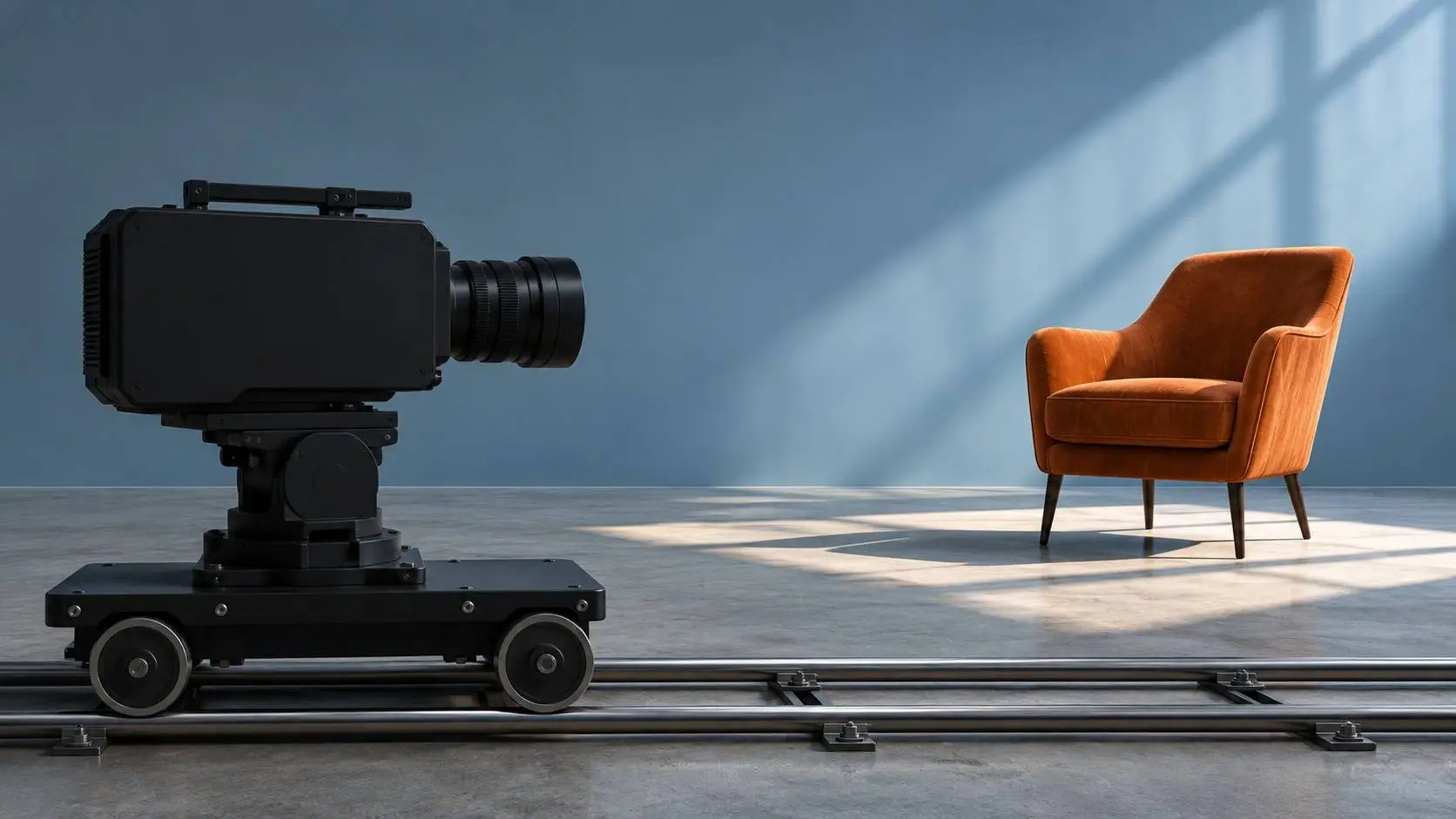
A cinema camera rides a short dolly track toward a chair on a softly lit soundstage. AI-generated editorial illustration.
Pika has shown an AI video system that responds to live camera moves. In the Enact research preview, a person can move around a scene as it takes shape. Pika also shows ways to move an object and direct a digital actor while a scene is in progress.
Enact is a research project. Pika says it is unavailable for consumer use. The company is showing three types of control to explain what it wants filmmakers to be able to change while a shot is being made.
How live camera control changes a shot
In Pika’s Enact preview, a user can pan, move in for a close-up, or go around a subject with a mouse. The system keeps making video and audio as the virtual camera moves. The aim is to make it possible to change the point of view midway through a scene.
A camera move can bring new parts of a room into view. A shot that starts in front of a chair may go far enough to show its back and what is behind it. The model has to give those areas a shape while keeping the scene in line with the frames it has already made.
Pika says it trained for that job with data that ties camera moves to what each frame looks and sounds like. The demos show what the team was able to do in selected scenes. They leave open how much control a filmmaker would have on a longer scene or a new set.
The sound is part of the point. If the camera moves away from a source, a viewer may expect the scene to sound different. Pika says the preview makes audio alongside the video as the user works the camera.
Live staging and live actor direction
For staging, Pika shows how someone can drag a piece of a scene. Its examples include a chair. The model has to change the position, lighting, and shadows in the new view as the object moves.
For actor direction, Pika describes a rehearsal in which a person can give notes to a digital actor. Those notes can shape a fresh take when the person calls action. That part of the preview gives a creator more room to tune how a character speaks or moves.
The two jobs affect the shot in different ways. If a chair sits in the wrong place, moving it changes the space the camera sees. If an actor needs to hold a pause, direction changes the pace. The camera tool shifts where the viewer sees those choices from.
Where Enact fits among AI video tools
Systems such as Google’s Gemini Omni can use more than one kind of input to make or edit video. Our CineCode coverage looks at a separate route in which code describes a scene that is then rendered. Enact’s preview centers on a person making choices as the system works.
Access will shape how teams can judge it. A research demo can show what one short scene is like. A wider release would give people a chance to find out how often changes stick and how quickly they can take a shot from a first idea to a usable take.


Popular news

AWS lets AI agents buy select tools on the developer’s cloud bill

Human clues helped AI agents mimic supply-chain decisions
Cline-Bench tests coding agents three times on real software tasks
ElevenLabs moves to buy Kotoba for its Japanese voice AI

Claude Code vs Cursor: Try the Same Fix in Both