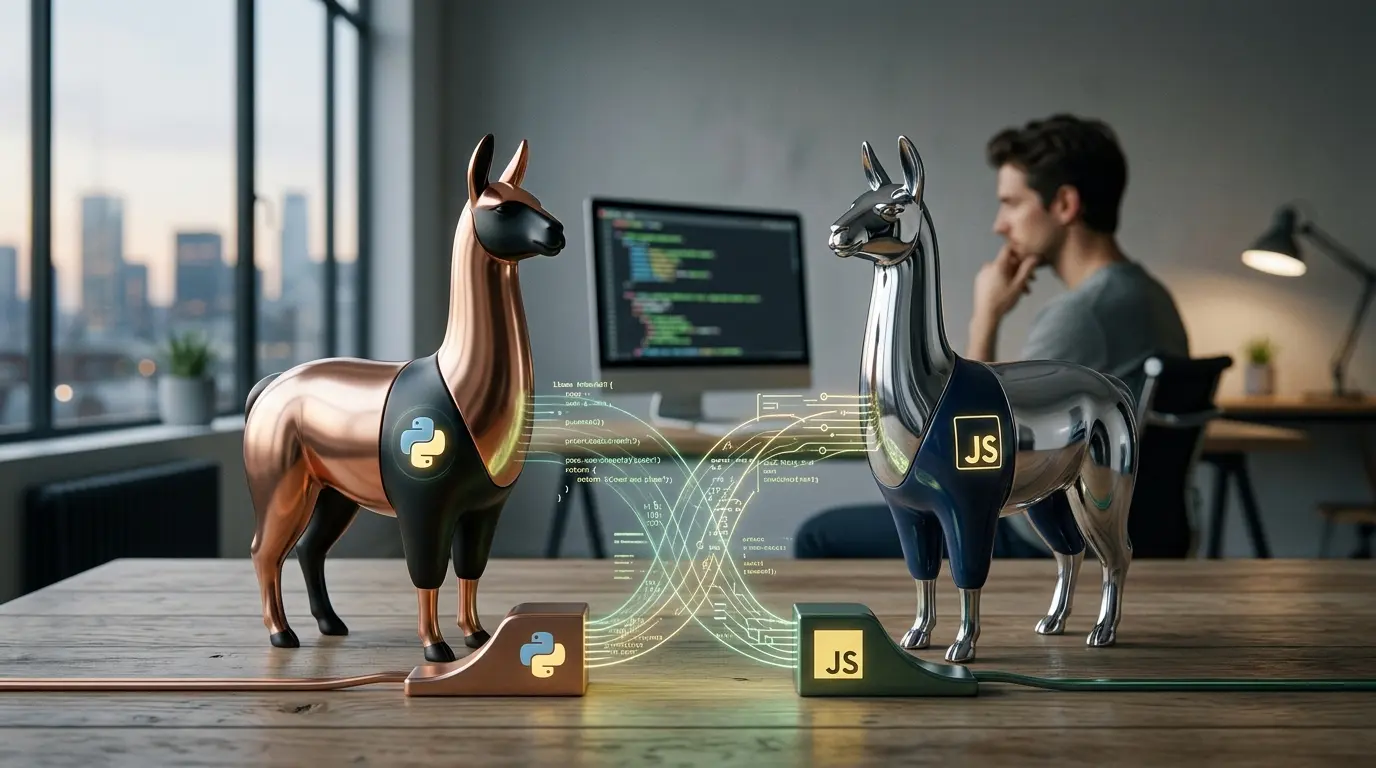
A Llama API lets an application send prompts to a hosted Meta Llama model and receive generated text, code or multimodal responses. The important complication is that there is no single universal “Llama API.” Developers can use Meta's own preview service where available, a third-party cloud or inference provider, or an API server they operate themselves.
That choice affects much more than the code snippet. It determines:
- which Llama models are available;
- where prompts are processed;
- whether weights can be moved later;
- price and rate limits;
- latency and regional hosting;
- fine-tuning options;
- logging and retention;
- service-level commitments;
- and who is responsible for model security.
This guide focuses on implementation. For the model-family overview, read What is Llama?. For the consumer assistant that Meta operates across its apps, use the separate Meta AI guide.
Llama API options at a glance
| Route | Best for | Main advantage | Main limitation |
| Meta Llama API | Prototyping with Meta's official developer service where access is available | Direct Meta route, OpenAI-compatible interface and portable custom models | Introduced as a limited preview; access and commercial terms can change |
| Cloud platform | Teams already using AWS, Azure, Google Cloud, Oracle, IBM or another approved cloud | Enterprise identity, regions, billing and governance | Model catalogue and pricing are provider-specific |
| Specialist inference provider | Fast experimentation and high-throughput inference | Optimized latency, simple onboarding and competitive prices | Additional vendor dependency and varying controls |
| Self-hosted API | Regulated, private or highly customized deployments | Control of weights, network, logs and serving stack | Hardware, reliability, security and operations become your responsibility |
| Local development server | Individual testing and offline prototypes | Low setup friction and no per-request provider bill | Limited model size, throughput and production resilience |
First: distinguish Llama API from Meta Model API
Meta now has two developer stories that are easy to confuse.
Llama API is the Llama-focused platform Meta announced at LlamaCon in April 2025. Meta described it as a limited free preview with API-key creation, a playground, Python and TypeScript SDKs, OpenAI SDK compatibility, fine-tuning and evaluation tools. Meta also said preview prompts and model responses were not used to train its AI models.
Meta Model API is a separate service for Meta's proprietary Muse models. It currently lists Muse Spark models, has its own pricing and data-use variants, and uses the base URL https://api.meta.ai/v1 in Meta's current developer examples.
Do not exchange these names casually:
- Llama API is for open-weight Llama models;
- Meta Model API is for proprietary Muse models;
- Meta AI is the consumer assistant;
- and a third-party “Llama API” may be operated by an entirely different company.
The Meta AI pricing guide explains the cost layers.
Route 1: use Meta's official Llama API
Meta's LlamaCon announcement remains the clearest launch description. Meta introduced the service as a limited free preview with Scout and Maverick access, official Python and TypeScript SDKs, an OpenAI-compatible interface, fine-tuning and evaluation tools.
Meta continued maintaining official Llama API client libraries after launch. That is evidence that the platform exists beyond a one-day announcement, but it does not establish that every account has production access or that launch-era prices and limits remain current.
Before building around it, confirm that the account has:
- current API access;
- a production-appropriate agreement;
- the required model;
- documented rate limits;
- acceptable data-processing terms;
- the required region or residency option;
- and a support path for incidents.
A working preview key is not the same as an approved production service.
Create an API key safely
Generate the key in the provider's official developer console. Never paste a live key into:
- source code;
- a public repository;
- a browser bundle;
- a mobile application;
- a screenshot;
- an analytics event;
- or a support ticket.
Store it in a secret manager or, for local testing, an environment variable.
On macOS or Linux:
export LLAMA_API_KEY="your-key-from-the-official-console"
export LLAMA_MODEL="copy-a-current-model-id-from-the-console"
In PowerShell:
$env:LLAMA_API_KEY="your-key-from-the-official-console"
$env:LLAMA_MODEL="copy-a-current-model-id-from-the-console"
Do not rely on a model identifier copied from an older article. Availability and naming can differ by account, region and API revision.
Python example with Meta's official SDK
Install the official client:
python -m pip install --upgrade llama-api-client
Then create a small script:
import os
import sys
import llama_api_client
from llama_api_client import LlamaAPIClient
api_key = os.getenv("LLAMA_API_KEY")
model = os.getenv("LLAMA_MODEL")
if not api_key:
sys.exit("LLAMA_API_KEY is not set.")
if not model:
sys.exit("LLAMA_MODEL is not set. Copy a current model ID from the console.")
client = LlamaAPIClient(api_key=api_key, timeout=45.0, max_retries=2)
try:
response = client.chat.completions.create(
model=model,
messages=[
{
"role": "system",
"content": "Be precise, label assumptions and do not invent sources.",
},
{
"role": "user",
"content": "Explain mixture-of-experts models in five concise points.",
},
],
)
print(response.completion_message)
except llama_api_client.APIConnectionError as exc:
sys.exit(f"Could not reach the Llama API: {exc}")
except llama_api_client.APIStatusError as exc:
sys.exit(f"The Llama API returned HTTP {exc.status_code}: {exc}")
The typed SDK can change as Meta extends the service. Check the current repository and generated API reference if a response property or request field differs.
TypeScript example with Meta's official SDK
Install the client:
npm install llama-api-client
Run requests on a trusted server, not in browser code:
import LlamaAPIClient from "llama-api-client";
const apiKey = process.env.LLAMA_API_KEY;
const model = process.env.LLAMA_MODEL;
if (!apiKey || !model) {
throw new Error("Set LLAMA_API_KEY and LLAMA_MODEL before starting the service.");
}
const client = new LlamaAPIClient({
apiKey,
timeout: 45_000,
maxRetries: 2,
});
try {
const response = await client.chat.completions.create({
model,
messages: [
{
role: "system",
content: "Answer accurately, label assumptions and keep the response concise.",
},
{
role: "user",
content: "Draft a validation checklist for an AI-generated product description.",
},
],
});
console.log(response.completion_message);
} catch (error) {
console.error("Llama request failed:", error);
process.exitCode = 1;
}
Return a controlled application error rather than exposing raw provider messages, headers or stack traces to an end user.
Use the OpenAI-compatible interface
Meta's Llama API also provides an OpenAI-compatibility layer. The documented compatibility base has used:
https://api.llama.com/compat/v1/
Install the OpenAI client:
python -m pip install --upgrade openai
import os
from openai import OpenAI
client = OpenAI(
api_key=os.environ["LLAMA_API_KEY"],
base_url="https://api.llama.com/compat/v1/",
timeout=45.0,
max_retries=2,
)
response = client.chat.completions.create(
model=os.environ["LLAMA_MODEL"],
messages=[
{"role": "user", "content": "List three reasons to evaluate a model on real company data."}
],
temperature=0.2,
)
print(response.choices[0].message.content)
Compatibility reduces migration work, but it does not guarantee that every optional OpenAI feature, field or tool-calling behavior is identical. Test the functions the application actually uses.
Direct request with cURL
A direct compatibility request can isolate key, endpoint and model problems before SDK debugging:
curl https://api.llama.com/compat/v1/chat/completions \
-H "Authorization: Bearer $LLAMA_API_KEY" \
-H "Content-Type: application/json" \
-d "{
\"model\": \"$LLAMA_MODEL\",
\"messages\": [
{\"role\": \"user\", \"content\": \"Give three reasons to test AI output before publication.\"}
],
\"temperature\": 0.2
}"
Use a non-sensitive prompt. Shell history can retain commands, so never embed the raw key in the request itself.
How to list available models
The account's console or current API reference should be the primary source of truth. An OpenAI-compatible deployment commonly exposes:
curl https://api.llama.com/compat/v1/models \
-H "Authorization: Bearer $LLAMA_API_KEY"
If the endpoint or model list differs, follow the documentation attached to the account. Store the chosen ID in configuration rather than scattering it through the codebase so that migration and rollback remain manageable.
Streaming responses
Streaming improves perceived latency for chat interfaces because the application can display tokens as they arrive.
Python:
stream = client.chat.completions.create(
model=model,
messages=[{"role": "user", "content": "Write a short onboarding guide."}],
stream=True,
)
for event in stream:
delta = event.choices[0].delta.content
if delta:
print(delta, end="", flush=True)
Streaming changes failure handling. A response can fail after partial text has reached the user. The interface should therefore:
- mark incomplete answers;
- let the user retry;
- avoid saving a partial output as approved work;
- and retain a request ID for diagnosis without logging sensitive content.
Multimodal requests
Llama 4 Scout and Maverick are natively multimodal models that can accept text and images. The exact image-input schema depends on the host and API version. Some providers accept a public URL, some accept a data URL and others require a file-upload endpoint.
Before adding images:
- check the current request schema;
- set size and file-type limits;
- remove unnecessary metadata;
- scan uploads;
- obtain permission to process the image;
- prevent internal URLs from being fetched;
- and define a retention period.
Do not copy an image example written for another provider and assume the Llama endpoint uses the same field names merely because both are OpenAI-compatible.
Route 2: use a cloud or inference provider
Meta's open-weight strategy means many companies host Llama. A provider may offer Llama through:
- a serverless API;
- reserved throughput;
- a managed endpoint inside the customer's cloud account;
- a marketplace listing;
- or a container deployed into the customer's virtual network.
The code can look nearly identical while the commercial and privacy properties differ substantially.
Evaluate at least:
| Area | Questions to ask |
| Model | Exact checkpoint, quantization, context limit and revision? |
| Data | Are prompts retained, logged, reviewed or used to improve services? |
| Region | Where are requests and logs processed? |
| Security | Private networking, key management, identity, audit logs and abuse controls? |
| Reliability | Service-level target, rate limits, failover and support? |
| Price | Input, output, cached tokens, minimum spend and reserved capacity? |
| Portability | Can prompts, evaluations and fine-tunes move to another host? |
| Features | Tool calling, JSON output, image input, batching, embeddings and moderation? |
The cheapest token rate can be the most expensive option if it produces more rejected answers or creates migration work.
For a model-level comparison, see Llama vs DeepSeek and Llama vs Gemini.
Route 3: create your own Llama API
Self-hosting turns a downloadable model into an endpoint controlled by the organization. Common serving layers include:
- vLLM;
- NVIDIA NIM;
- Hugging Face Text Generation Inference;
- llama.cpp server;
- Ollama for smaller or development workloads;
- and Llama Stack distributions.
A vLLM server can expose an OpenAI-compatible endpoint:
python -m vllm.entrypoints.openai.api_server \
--model meta-llama/Llama-3.3-70B-Instruct \
--host 127.0.0.1 \
--port 8000
The application can then use the same client shape with a different base URL:
local_client = OpenAI(
api_key="local-development-key",
base_url="http://127.0.0.1:8000/v1",
)
Do not expose a development server directly to the public internet. Put production inference behind authentication, network controls, request limits, input validation, observability and a supported deployment process.
The local setup guide explains how to run Llama with Ollama, LM Studio, llama.cpp and production runtimes.
Which Llama model should an API use?
Select on measured workload performance, not brand hierarchy.
Llama 4 Scout
Scout is the smaller Llama 4 flagship. Meta describes it as having 17 billion active parameters, 109 billion total parameters, 16 experts and a context window of up to 10 million tokens. It is attractive for long-context and multimodal work, but the full checkpoint remains a large deployment.
Llama 4 Maverick
Maverick has 17 billion active parameters, 400 billion total parameters and 128 experts. It targets stronger general multimodal performance and requires a larger host.
Llama 3.x models
Earlier models can be the better production choice when they are:
- cheaper;
- already evaluated;
- available in the required region;
- supported by mature tooling;
- small enough for the hardware;
- or sufficient for a narrow task.
A routing layer can send classification and extraction to a smaller model while reserving a larger model for difficult requests.
Llama API pricing
There is no one enduring “Llama price.”
- Meta introduced its official service as a limited free preview.
- Cloud providers set their own token or infrastructure prices.
- Specialist hosts may price by token, request, second or reserved throughput.
- Self-hosting creates GPU, storage, power, networking and engineering costs.
Compare cost per accepted output, not cost per million tokens alone.
Example:
| System | Cost per request | Acceptance rate | Cost per accepted result |
| Model A | $0.010 | 50% | $0.020 |
| Model B | $0.016 | 90% | $0.0178 |
The second model has the higher request price but the lower effective cost.
Include retries, long prompts, tool calls, failed jobs, moderation, retrieval and human review in the calculation.
Production checklist
1. Establish a model contract
Record:
- provider;
- model and revision;
- context and output limits;
- supported modalities;
- data terms;
- region;
- license;
- safety controls;
- price;
- and approved use cases.
2. Separate prompts from application code
Version system prompts and templates. A prompt change can alter behavior as materially as a code deployment.
3. Build evaluations before launch
Use representative cases with expected outcomes. Measure:
- factual correctness;
- extraction accuracy;
- refusal quality;
- formatting validity;
- tool-selection accuracy;
- latency;
- cost;
- and human acceptance.
4. Validate outputs
Never assume a model-produced JSON object, URL, SQL query or command is safe merely because it looks structured.
Use:
- schema validation;
- allowlists;
- escaping;
- parameterized queries;
- permission checks;
- sandboxing;
- and human approval for consequential actions.
5. Defend against prompt injection
Retrieved documents, web pages, emails and tool output can contain malicious instructions. Treat external content as untrusted data, not authority.
Meta offers tools such as Llama Guard 4, Prompt Guard 2 and LlamaFirewall, but they are components rather than guarantees. The application still needs threat modeling and layered controls.
6. Protect keys and personal data
Use separate keys by environment, least privilege, rotation, spend alerts and fast revocation. Redact logs and do not send data that the selected service is not approved to process.
7. Design for provider failure
Set timeouts, bounded retries and circuit breakers. Decide whether the application should:
- fail closed;
- fall back to a smaller model;
- queue the request;
- or ask the user to try later.
8. Preserve portability
Keep a provider adapter between application logic and the API. Maintain a regression suite so another Llama host—or another model family—can be evaluated without rewriting the product.
Common Llama API errors
Authentication error
Check that the key belongs to the correct product and environment. A Meta Model API key may not authenticate against the Llama API endpoint.
Model not found
The ID may be wrong, retired or unavailable to the account. List current models rather than guessing.
Rate-limit response
Use exponential backoff with jitter, queue non-urgent work and request higher limits only after measuring real demand.
Context-length error
Count all system messages, user messages, retrieved text, images and expected output. Long advertised context does not mean every provider exposes the same limit.
Invalid structured output
Validate and retry with a constrained repair step. Do not silently accept malformed data.
Slow responses
Profile prompt length, model size, provider region, output length and concurrency. Streaming improves experience but not total compute time.
Different answers after a provider switch
“Same Llama model” can still differ because of quantization, serving configuration, prompt formatting, safety layers and revision. Re-run the evaluation suite.
Frequently asked questions
Does Meta have an official Llama API?
Yes. Meta announced Llama API in April 2025 as a limited free preview with a playground, Python and TypeScript SDKs and OpenAI SDK compatibility. Verify its current availability and terms before relying on it for production.
What is the Llama API endpoint?
Meta's native Python and TypeScript SDKs manage the service base URL for you. Meta's documented OpenAI-compatible layer has used https://api.llama.com/compat/v1/. Third-party and self-hosted services use their own base URLs, so confirm the current account documentation before deployment.
Is Llama API free?
Meta introduced its service as a limited free preview. Third-party hosts charge their own prices, and self-hosting creates infrastructure costs. Check live terms rather than assuming all Llama access is free.
Is Meta Model API the same as Llama API?
No. Meta Model API serves proprietary Muse models. Llama API serves Meta's open-weight Llama family. They have different endpoints, model IDs, pricing and data terms.
Can I use the OpenAI Python library with Llama?
Yes, when the selected Llama provider exposes an OpenAI-compatible interface. Change the API key, base URL and model ID, then test feature compatibility because “compatible” does not mean every optional feature is identical.
Can I use Llama API commercially?
Commercial use depends on the provider agreement and the applicable Llama license. Review both. Very large services and some model- or geography-specific conditions require additional attention.
Does Meta train on Llama API prompts?
Meta said it did not use prompts or model responses to train its AI models during the original Llama API preview. Confirm the current product terms because the service and its contracts can change.
Which Llama model is best for an API?
The best model is the smallest one that meets the acceptance, safety and latency target. Llama 4 Scout and Maverick are strong current options, while Llama 3.x can be cheaper and easier to operate.
Can I host my own Llama API?
Yes. Tools such as vLLM, NVIDIA NIM, Text Generation Inference, llama.cpp and Ollama can expose an endpoint around downloaded Llama weights. The operator becomes responsible for infrastructure, security and compliance.
How do I move between Llama providers?
Use a provider adapter, configuration-based model IDs and a regression suite. OpenAI-compatible interfaces reduce code changes, but output quality and features still require revalidation.
The bottom line
The Llama API is not one fixed product. It is a deployment pattern with three main routes: Meta's official service where available, a third-party hosted endpoint or an API server the organization controls.
Start by choosing the trust and operating boundary. Then select the model, provider and code. An OpenAI-compatible request can make switching look easy, but production portability depends on evaluations, data controls, observability and a deliberate abstraction layer.
For quick experimentation, a hosted API removes infrastructure work. For long-term control or sensitive workloads, self-hosting can justify its operational burden. In either case, treat the model as one component in a governed system—not as an endpoint that can safely be placed behind a user interface without validation.
For the relationship between Meta AI, Muse, Llama and Meta's two developer API routes, return to the complete Meta AI guide.

byDavid Porter
Popular news

Latest comments
Loading