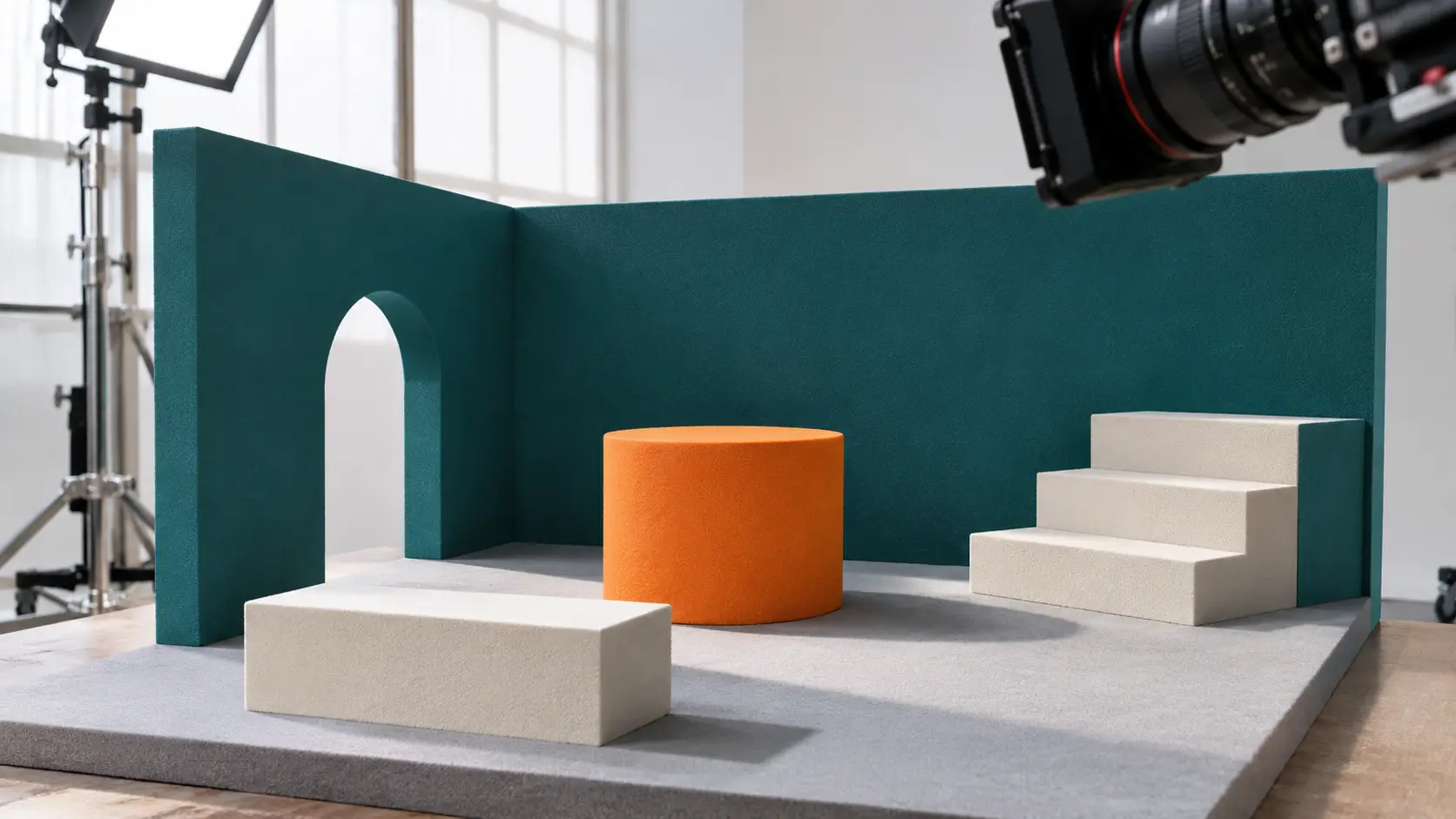
Editorial illustration of a film scene planned with rough forms.
A rough 3D sketch can help an AI video tool keep a scene on track. A more detailed sketch can also make the tool worse at filling in the shot. That trade-off showed up in tests by the researchers behind ProxyGenBench.
A sketch can keep props in place between cuts
The ProxyGenBench paper covers 312 test cases drawn from 60 scenes. A short animated layout can show where people stand, what the camera sees and when someone moves. Models must follow that plan, add details and match the right voice or image to each subject.
One example on the project site follows two people and a parcel across three shots in a bakery. The room and props shift in the clip made from text alone. A rough layout helps the model keep the seats and parcel in place. Each clip makes the difference visible without a score.
More detail helped with layout and hurt completion
In 31 matched scenes, the team swapped a simple layout for one with more detail. Scores for keeping the planned layout and action rose by 1.1 to 6.7 percentage points. Scores for finishing the scene and fixing rough edges fell by 4.8 to 7.9 points. Seedance 2.5 and Kling 4.0 both showed the trade-off.
The work is a preprint. Its scores come from an AI judge using a checklist. The team compared a sample of those scores with human ratings and found 92.9% agreement overall. There was less agreement when the judge flagged whether a model put a voice, look or other cue in the wrong place.
Pika’s Enact research preview shows another way to guide the camera while a shot takes shape. For a clip built from a rough layout, it may help to draw the parts that must stay put and use text to describe what the model should fill in.

Popular news
Soitec jumps 6.9% as European chip stocks rebound and Eutelsat falls

Kioxia jumps 12.6% as Asian AI stocks trade through Thanksgiving
Ant Group releases a design image model that tops the open-weight ranking

Perplexity lets developers search the web as it looked on an earlier date
Bleckmann will test two humanoid robots in European warehouses