
An editorial illustration of shaping and texturing a 3D model.
Maxon has launched Maxon Plus, a subscription that can turn a prompt or reference image into an editable 3D model. The service starts at $10 or €10 a month. It also gives artists a way to send a 3D scene to a client for review in a web browser.
The November 23 launch adds tools that artists can use from the web or inside the apps where they already work. Maxon sells Plus on its own. You can use the web tools with a Maxon account and a Plus plan, while the tools inside Cinema 4D and ZBrush still require access to those apps.
Three ways to start a 3D asset
Model Generator makes a textured 3D model from a short text prompt or a reference image. It runs on the web and inside Cinema 4D. An artist can look at a preview and adjust the result. The model can then be edited in Cinema 4D. The app’s tools can also rebuild the mesh, the web of points and faces that forms the shape.
Texture Generator starts with a model you have. Give it a look to aim for or an image to work from. You can use views from the front, back or side and apply a finish to just one part. You can also keep the old UV map, the set of rules that tells the app where to put a flat image on the surface of a 3D object.
Clay Builder takes a different route. It gives you a simple mesh with no paint or texture, ready to sculpt. It runs on the web and in ZBrush for iPad. For example, an artist could use it to block out the shape of a wide chair, then shape the legs and seat by hand. These are three tools for three stages of the job. You can pick up at the point where you need help.
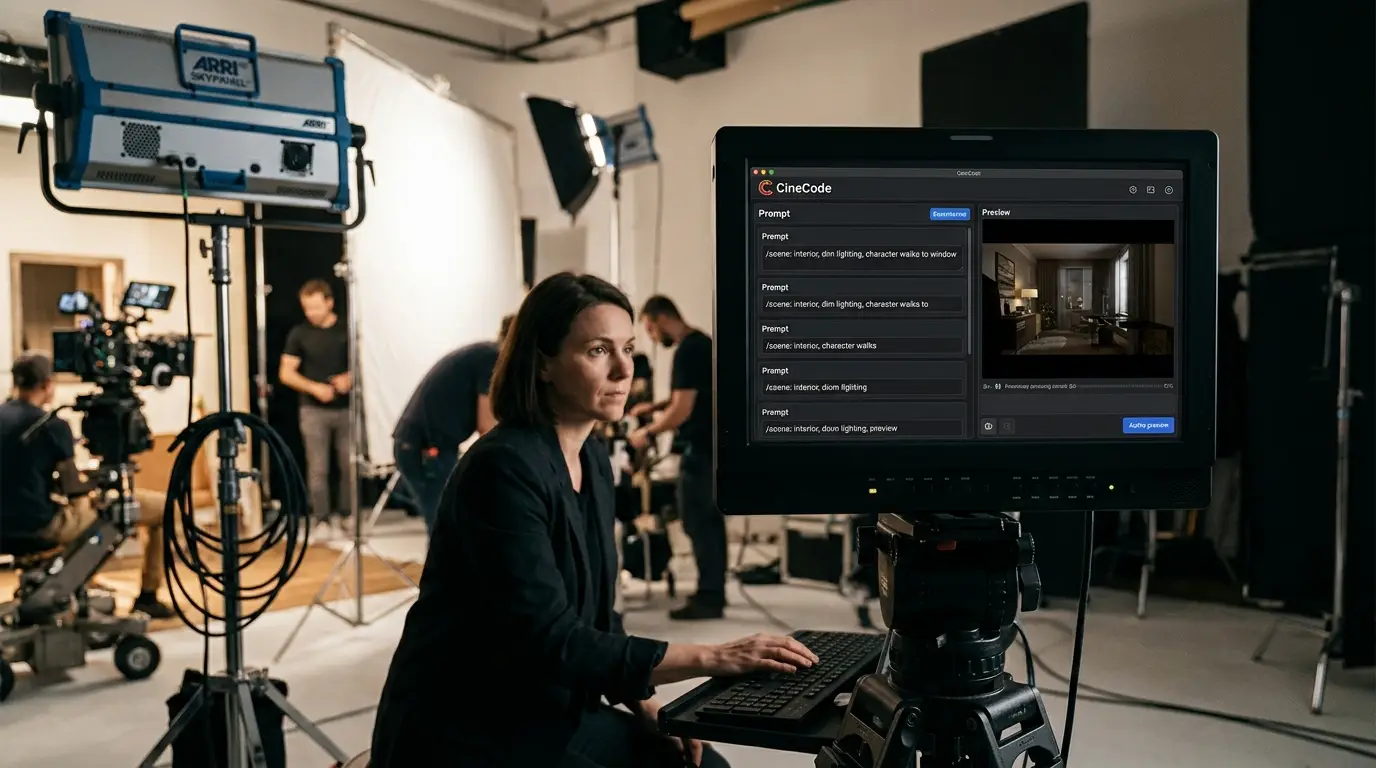
In other tools, the prompt can be a first step in making a whole scene. The open source CineCode tool turns prompts into code for rendered shots. Maxon’s tools give an artist a single object they can change and then add to a new or open scene.
A client can review the model in a browser
Maxon Review is in public preview. The person who owns the project needs Maxon Plus and enough storage on the plan. People who get an invite need a Maxon account. They can review the work without buying a Plus plan or a copy of Cinema 4D.
They can turn a model, mark the part they want to change, and pin a note to that view. They can also compare versions in the browser. If a client spots a seam on the back of a chair, the artist can open the note in Cinema 4D and see the view in which it was left. The Cinema 4D release notes explain how those notes appear in the app. ZBrush on desktop offers a separate review window.
What the monthly fee covers
In its Maxon Plus plan details, the company says that each plan comes with a monthly set of credits. The app shows the credit cost of each step before you run it. Previews in the AI tools cost credits too, so it matters how many tries it takes to get a model you can use. Unused credits reset each month. Opening a project to review it uses no AI credits.
The difference between a quick first shape and a finished asset matters. A draft model can help a team pick a direction. Someone still needs to check its shape, surface and fit in the scene before it goes into a final shot. Maxon is putting that draft in the same tool that artists can use to fix it, with a place for the client to say what should change.


Popular news

Good Morning AI | Anthropic slips, Claude reviews code and Tidal sets a cutoff

AI stocks slide again as Nvidia falls and Ambarella sinks 20.6%

GTA 6 on PC at 10 FPS? Inside the AI-Assisted Race to Port It

Tencent opens the AI models behind WeChat’s product search

Google’s Humanity’s First Exam Tests AI Reliability