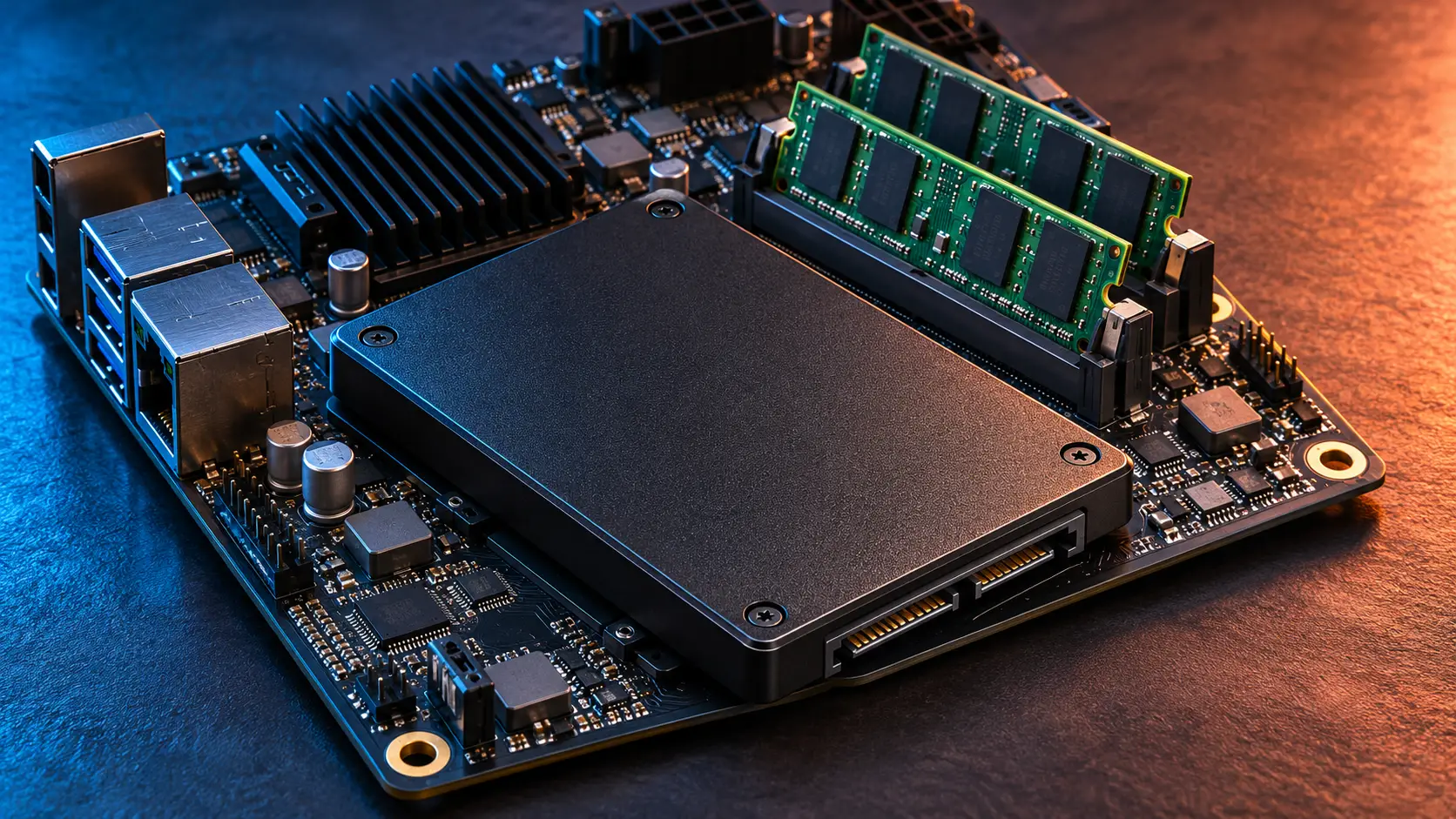
Storage and memory on a desktop motherboard illustrate the difference between file size and memory use.
llama.cpp can now compress a local AI model toward a file size you pick. Version 1.1.0 adds a tool that works out where to use fewer bits and where to keep more detail. It gives people who make GGUF model files more control over their size.
What the file size target changes
A model’s weights are numbers that shape what it says. A process called quantization stores them with fewer bits so the file takes up less space. That can change the answers a model gives. The llama.cpp 1.1.0 release lets users set a size target or a goal for bits per weight across the file.
The tool can keep more detail in parts of the model where extra bits make a bigger difference. In the merged change, the author describes 238 tests across 34 models. The tool matched or beat the standard method in 93% of those tests on a measure of how much the model’s output changed. A second tester found gains on some models and losses at some file sizes. It also takes more time to make the file.
Leave room for the work
The target applies to the weight file. A model also needs working memory when it runs. The longer the input, the more memory it may use to keep track of the text. A graphics card with 16 GB of memory needs room beyond its model weights. Our local AI hardware guide explains how to estimate that headroom.
The release also adds support for models including Inkling 2 Mini and Domyn Edge 4B. You can compare two builds using the same prompt and context length. Check how much memory each uses and how well each handles the tasks you run most often.

Popular news

Soitec jumps 6.9% as European chip stocks rebound and Eutelsat falls

Kioxia jumps 12.6% as Asian AI stocks trade through Thanksgiving
Ant Group releases a design image model that tops the open-weight ranking

Bleckmann will test two humanoid robots in European warehouses

Perplexity lets developers search the web as it looked on an earlier date