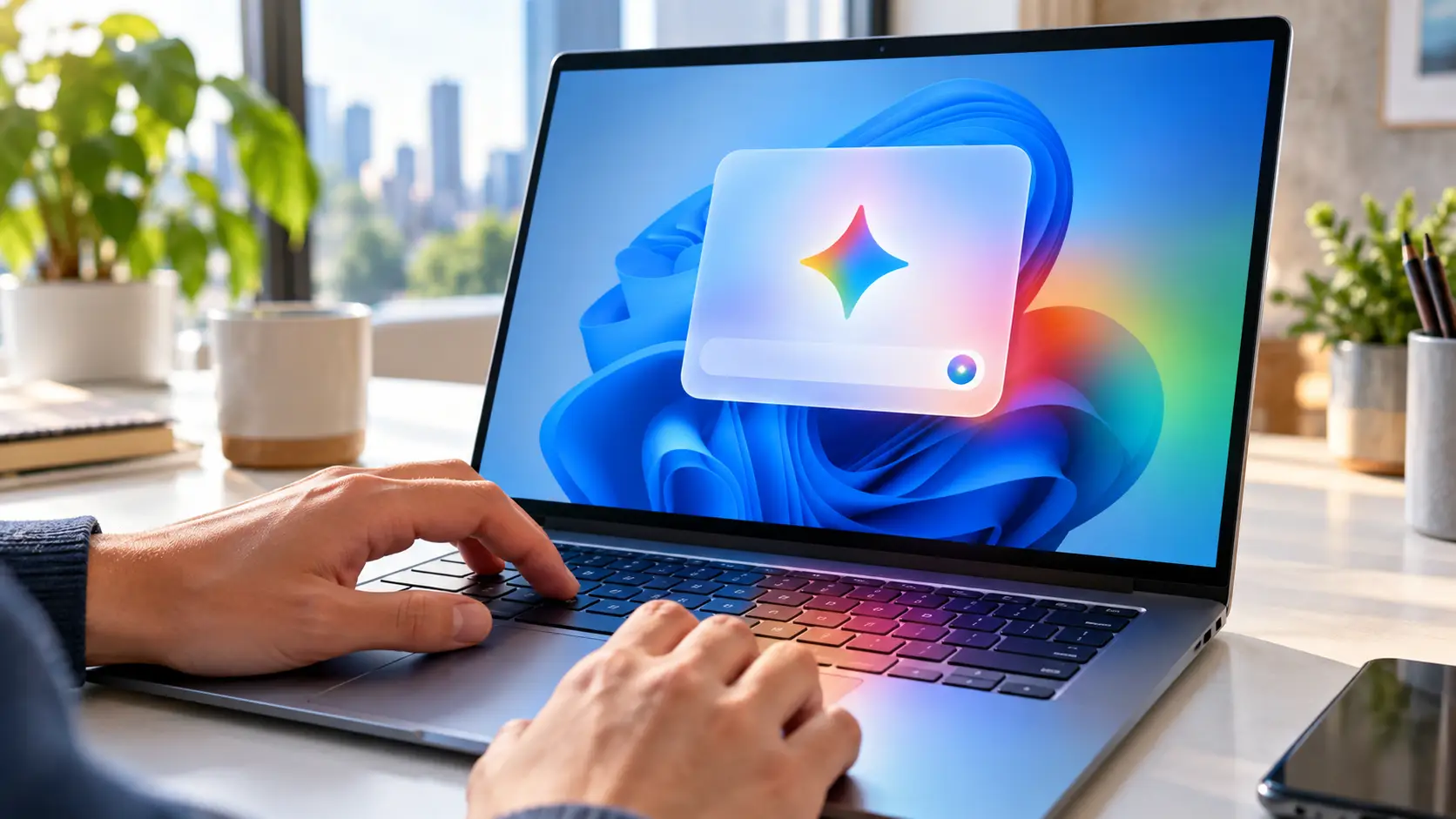
Google has launched a standalone Gemini desktop app for Windows 10 and 11. Press Alt+Space to pull up the AI assistant from any app—no need to hunt for a browser tab. The app provides access to familiar Gemini features, integrations with Gmail and Drive, and creative models like Nano Banana and Gemini Omni.
Google announced the rollout and says the app is available starting today in supported Gemini countries and languages worldwide. Availability varies by feature. Spark is currently limited to Ultra subscribers aged 18+ in supported regions; the current support page excludes the Netherlands, the rest of the EEA, and work or school accounts. Omni requires a paid plan, is 18+ only, and differs by tier and location. What’s new here is specifically the separate Windows desktop app. Gemini itself, the web version, and Google’s earlier desktop search experiments are not new.
Alt+Space summons Gemini over any app
The default hotkey is the biggest change from the browser experience. Pressing Alt plus Space opens Gemini as a compact window over whatever you’re using. Google lets you remap the shortcut. That cuts the gap between task and chatbot: no need to switch to Chrome or Edge and open a new tab.
According to Google’s announcement, the app works on Windows 10 and Windows 11. It supports standard Gemini chats plus existing Gemini features and creative tools, including Spark, Nano Banana, and Gemini Omni. Spark and Omni tie into paid plans and carry extra age and region limits.
A native desktop app can integrate notifications, shortcuts, and account links more tightly with the OS than a stray browser tab. Google isn’t claiming Gemini gains unfettered control of Windows. It’s not automatically an AI agent that can drive every app, edit files, or change system settings on its own.
That distinction avoids confusing “on Windows” with “full access to your PC.” Windows already has its own AI for local file search. The new Gemini app is a separate Google service.
Gmail and Drive move closer to the desktop
In Gemini, users can draw on data from linked Google services. That means you can ask it to find an email, extract key points from documents, or process information from Drive. The Windows app makes those options faster to reach, but it doesn’t change underlying permissions by itself.
Linking Gmail or Drive gives the assistant access to sensitive personal or business context. It’s smart to check which Google account is active, which extensions are enabled, and whether a prompt includes client data, medical details, or confidential documents. A handy shortcut also lowers the barrier to oversharing by accident.
The privacy questions don’t disappear just because the interface moves from a browser to a Windows app.
For work accounts, admins can also restrict features or integrations. A consumer on a personal Google account and an employee on Google Workspace may see different options in the same app. Google itself warns that plans, features, and availability can vary.
Creative AI, same app
Google is bundling its image and video tools into the desktop app as well. Nano Banana handles image generation and editing. Gemini Omni works across media types and some creative features require paid plans. So no, not every Windows user will get unlimited image and video generation.
The app also includes access to Gemini Spark, Google’s agent for longer-running tasks. Spark existed before this Windows release and isn’t available everywhere. Users need to check within the app whether their account now has access.
The Windows app’s main advantage is speed of access: text, files, and creative tools are a single shortcut away. Quality and limits still depend on your chosen model and subscription.
New app, not the first desktop presence
Google already brought Gemini to Android, iOS, the web, and a standalone Mac app. The company also tested a Windows desktop search app. That history doesn’t make today’s launch irrelevant—but it is narrower than “Gemini comes to PC for the first time.”
It’s also notable for Microsoft: Windows already ships with Copilot. Users now get a competing assistant aiming for the same one-keystroke immediacy. The decision isn’t just which model answers best, but where your email, documents, and subscriptions already live.
Meanwhile, Google Assistant is giving way to Gemini on other devices. AI Wereld previously reported on Gemini fully replacing Google Assistant on Android. The Windows app fits that strategy: Gemini shouldn’t be just a website—it should be within reach on every screen.
The first real test is simple. Does Alt+Space play nicely with existing Windows shortcuts, is memory use reasonable, and are account permissions clearly visible? Only user experience and independent testing will show whether the desktop app truly beats a pinned browser tab.

Popular news

Grand Theft GPU - How Thieves Steal Data Center Hardware in Transit

More FPS with AI and DLSS Doesn’t Automatically Mean a More Responsive Game

Akamai launches Agent Sandbox to limit what AI code can do

Anthropic Is Going Public: What Claude’s Numbers Reveal

OpenAI Launches GPT 6.1 Terra for Faster AI Agents at Half the Price

Anthropic's IPO Filing Reveals $16.3 Billion in Revenue and the Cost of Growth
Latest comments
Loading