
Use this AI policy template to set rules for a small team. Fill in the blanks before staff use an AI tool for work. List the tools they can use, the data they can share and the tasks that need a person to say yes.
Copy this workplace AI policy template
Company [Name]. Owner [Name or role]. Start date [Date]. Next review [Date]. Version [Number].
1. Who can use each tool
This policy applies to staff and contractors who use AI for company work. It covers chatbots, meeting tools and AI features in other apps. Use the work account and tasks listed in [approved tool list]. Each entry names the tool, tasks, data types, any app it can reach and the person who can approve it. Ask [owner] before you try a tool or feature that is not on the list.
2. What you can share
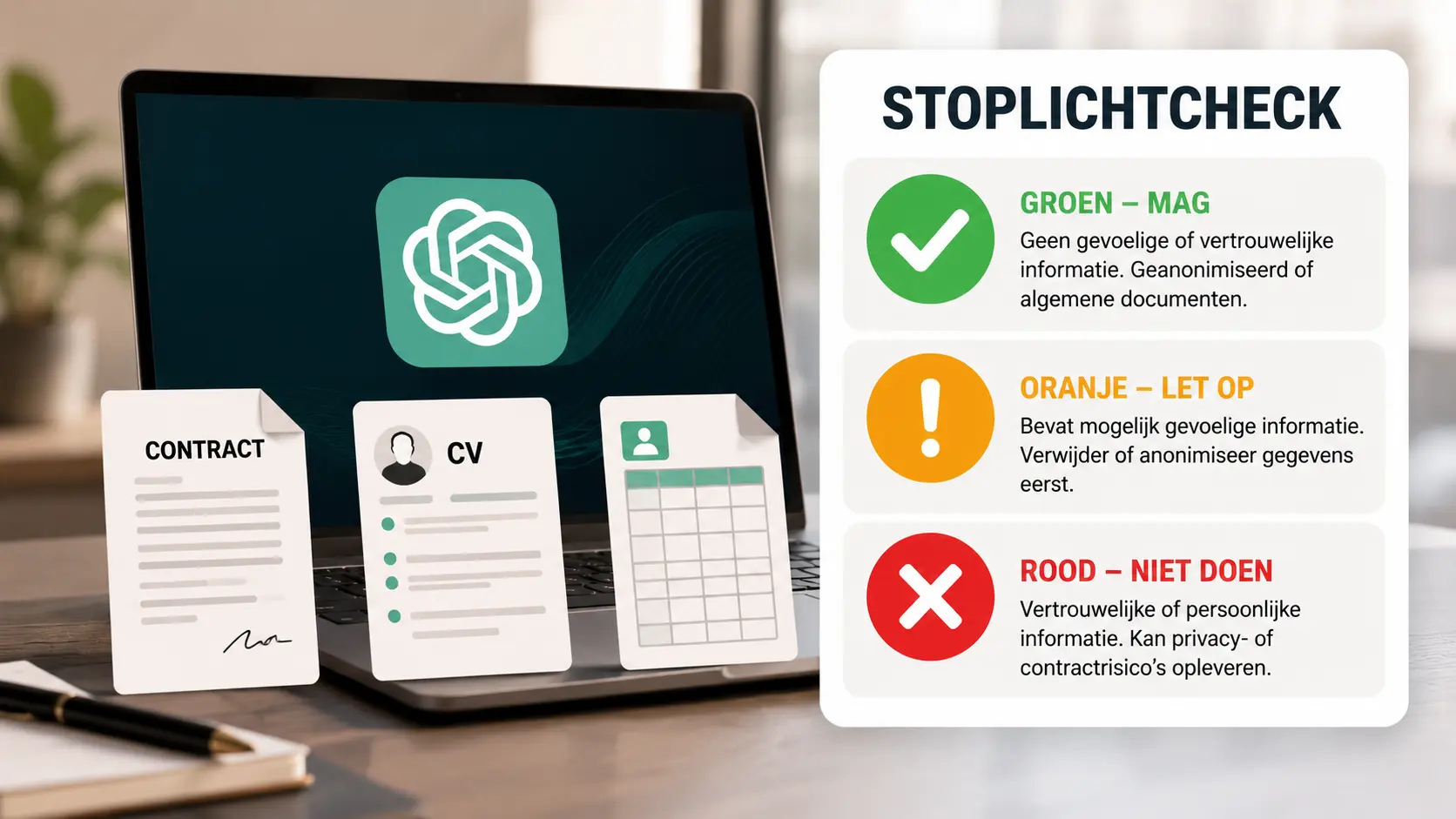
Give the tool just what it needs for the task. Start with public text or made-up examples. Keep passwords, access keys and recovery codes out of all tools. Files with staff or client data, contracts and private financial records need a workflow approved for that data. If a tool is approved for one use, check the list before you use it for a new task. Ask [data owner] if you are unsure.
3. Who checks work and takes action
The person who used the tool checks claims, quotes and figures against the source. Remove private or false details before you share a draft. [Role] checks work for clients before it goes out. Record where AI played a key role in [work record]. Tell the reader when [disclosure rule] calls for it. Ask a person to approve a send, edit to a shared record or publish step. Keep decisions on hiring, pay or access to services with the staff member in charge.
4. What to do when there is a problem
To ask for an exception, send [contact] the tool, task, type of data, checks, reviewer and end date. Wait for a written yes and log it in [exception log]. If you share data by mistake or the tool acts on its own, stop the task. Tell [incident contact] what tool ran, when it ran and what was shared or changed. Use the approved channel if the details are private.
5. When to review this policy
[Owner] keeps the tool list and the rules up to date. Check them on [review date] and when a tool, task or data term changes. Keep the date, version, person who signed off and what changed in [change log].
Example for a six-person team
Made-up example. Harbor Desk Supply lets staff use its work chatbot to draft FAQs from public manuals. The support lead checks each part number and warranty claim in the manual. Staff test with made-up questions and keep client tickets in the support app. The office lead approves new uses. Staff report an upload error to the help desk and review the rules on February 17, 2027.
Sample change log. Version 1.0, November 17, 2026. The office lead approved FAQ drafts from public manuals. Version 1.1, December 1, 2026. The office lead added a note that the tool must stay disconnected from the support app.
Try the policy with one task first
Pick one task that staff do each week. Make one tool entry and walk the team through a case that fits it and a case to ask about. Our check for sharing work files gives examples. The NIST Generative AI Profile sets out roles and ways to track risk. Have the policy owner check your contracts and privacy duties before the rules take effect.


Popular news

OpenAI Launches GPT-6.2 Astra and Sol for ChatGPT Work, Codex and the API

Fed Governor Warns AI Agents Could Accelerate Bank Runs

Tencent Launches Hy4 Flash With Lower API Prices for Everyday AI Work

Microsoft Brings MAI Code 2 and MAI Code 2 Flash to GitHub Copilot

Ollama Not Using Your GPU? A Step-by-Step Troubleshooting Guide