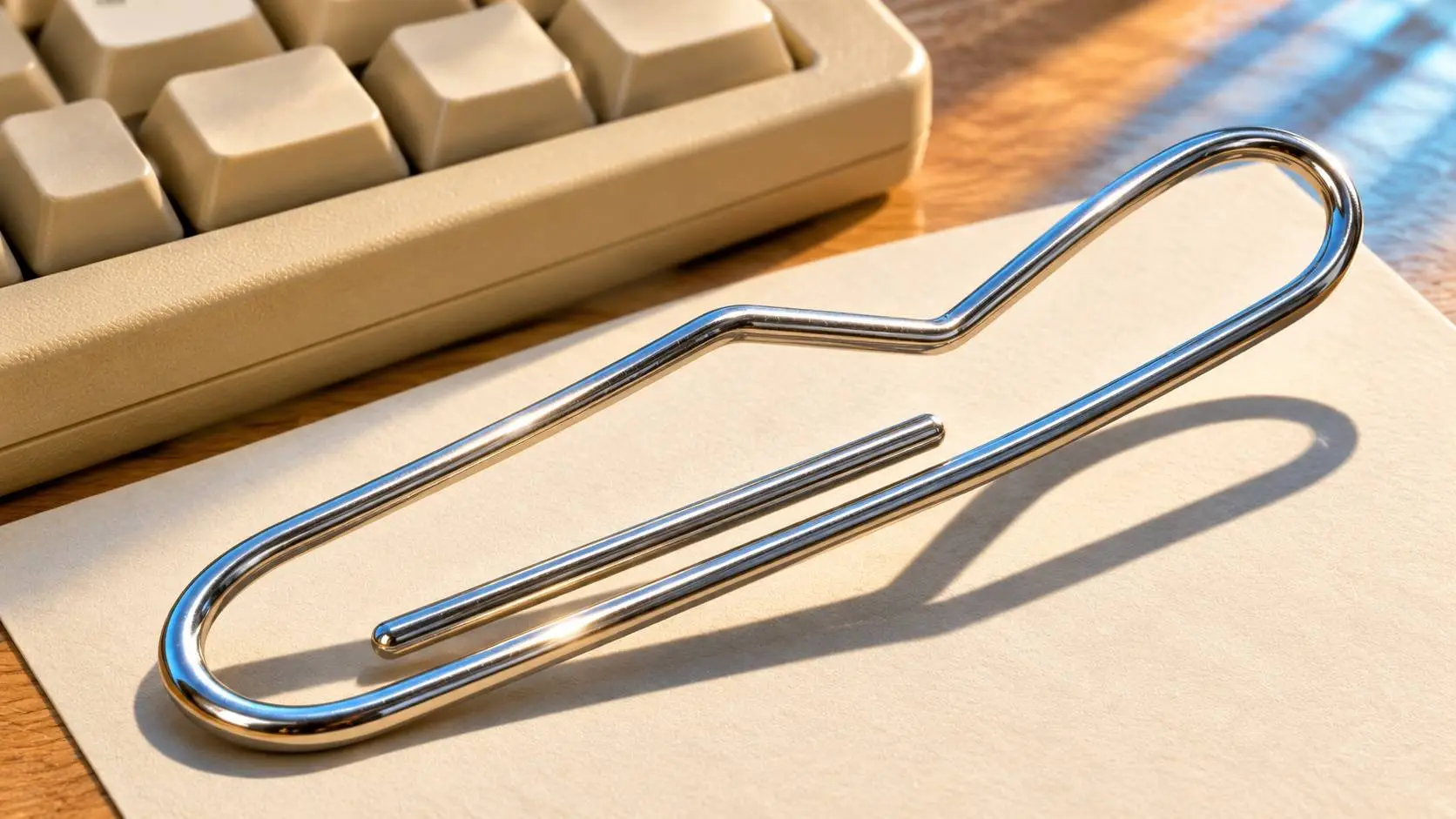
A bent metal paper clip casts a long shadow beside the corner of a beige computer keyboard. AI-generated editorial illustration by AI World Today.
Clippy made the help menu come to you. When Microsoft shipped Office 97, the animated paper clip could pop up with a tip while you wrote. That meant it had to work out both what you were doing and whether you wanted help. The second part was easy to get wrong.
Many people remember a clip that got in the way. The team had started from a real need. Office had a great many tools. A person might spend more time hunting for the right menu than doing the job itself. A well-timed tip could save that time.
What Microsoft asked Clippy to do
Microsoft sent Office 97 to manufacturing in November 1996. It announced that buyers could get it in January 1997. The Office Assistant gave people tips and a way to ask for help from inside their work. Clippy became its best-known face.
It matters who starts an exchange. If you open the help menu, the software has a clear sign that you want help. If the tip comes to you, the tool has to guess. It has to decide how much to show, when to show it and how to let you go back to the task.
Say you start a letter by typing “Dear.” A tool may guess that a letter template would help. You may just want to start a note and type the rest in your own words. The guess about the task can be right and the choice to step in can still be wrong.
Clippy and the research on how to help
Microsoft’s Lumiere researchers asked how a tool could work out a person’s goal from what they did on a computer. A pause, a word in a question or a click could all give the tool a clue. The team tried ways to weigh those clues. Parts of the work fed into Office Assistant.
A study can show how a method works in one setup. A product team then has to decide where and how much of it to ship. Put the two in context when you hear that a lab system powered an assistant. A paper on one way to read clues does not document every choice a product made.
Think of a pause while you type. You might be stuck on how to add a table. You might be thinking about which word to use. You might have left your desk. The same pause points to more than one cause. A tip based on that pause needs a way to back off when it is wrong.
Why a tip can cost more than it saves
In 1999, Eric Horvitz set out ways to share a task between a person and a tool. He asked what help could save and what an unwanted action might cost. The paper used a calendar tool to show those ideas in one real design.
Picture a tip that pops up just as you finish a hard line of text. You have to read it, work out if it fits and close it if it does not. If a tip saves you five steps, that trade can be worth it. If the task was done in your head, the tip just adds one more step.
That is why timing can matter as much as a good guess. A tool can keep help close at hand and still let a person decide when to ask. The right design depends on how easy it is to fix the mistake when the tool acts too soon.
It helps to test the two parts with separate tasks. Watch someone make a letter that they know how to write. Then ask the same person to find a feature they have never used. A tip that helps in the second case may slow them down in the first. That shows more than a count of how often a tip matched the kind of file.
What changed in Office XP
A Microsoft designer’s account of the default setting says Office XP kept the assistant off by default. A person could turn it back on. That small fact helps explain the kind of change the team made.
A default shapes what happens the first time most people use a tool. Few people open the settings before they start a letter. They meet the tool as it comes out of the box. If the clip waits for the user to turn it on, the choice to use it takes place before the first tip.
That switch did more than change a bit of code. It gave the user the first move. Thinking about who should have the first move helps with a wide range of tasks, from a menu tip to a draft an assistant wants to send.
The same choice can be made within a tool. Let people get a hint from a menu while they learn. Let them hide it when they know the steps. A person can need help with one part of a program and want to work on their own in another part of the very same file.
The joke had a life of its own
A later Microsoft Research study of 1,148 selected memes looked at how people made fun of Clippy and what the jokes showed about help. Those memes came from people who chose to make or share a joke. The sample cannot tell you what every Office user thought.
The paper clip was still easy to spot years later. In 2021, Microsoft used it in a set of old-school Teams backgrounds. A tool that was hard to welcome in a work file could be fun to see again when you chose to put it on a call.
What the paper clip still teaches
Clippy offers a way to judge a new helper. When can it tell what you need? When does it ask, and how fast can you get it out of the way? Those tests still matter when an assistant has a better way to read your words.
See how people formed their first views of a different tool in the early reaction to ChatGPT. Our Microsoft AI guide goes on to cover Copilot and the firm’s other AI tools. Find more turning points in the AI history collection.


Popular news

AWS lets AI agents buy select tools on the developer’s cloud bill

Human clues helped AI agents mimic supply-chain decisions
Cline-Bench tests coding agents three times on real software tasks
ElevenLabs moves to buy Kotoba for its Japanese voice AI
Claude Code vs Cursor: Try the Same Fix in Both