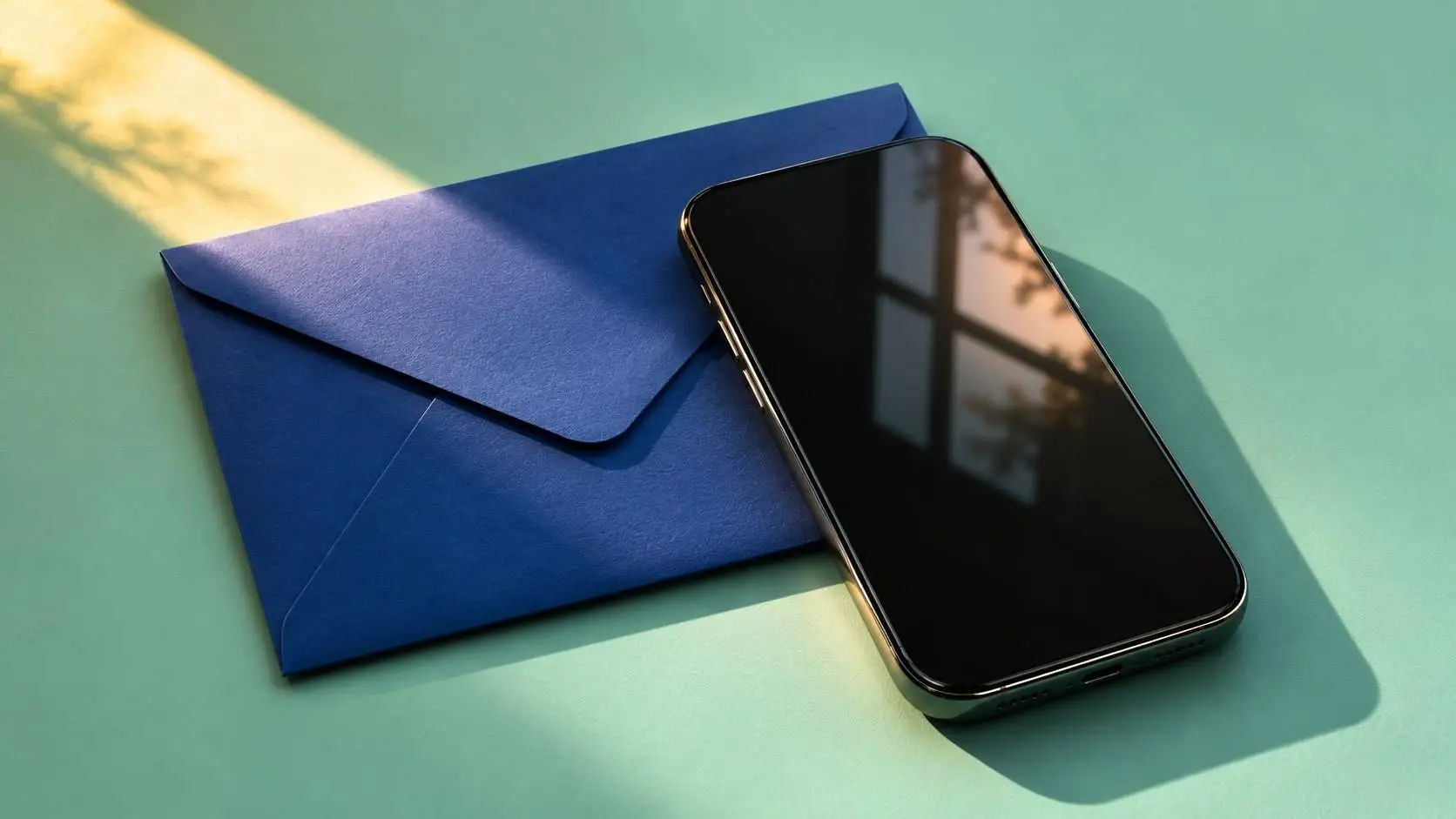
A dark-screen smartphone beside a sealed envelope. AI-generated editorial illustration by AI World Today.
Signal now stops mobile AI tools from reading chats on some phones. The app blocks those tools from taking a copy of its screen. The block is on by default on iPhones that run iOS 27. On Android, Signal can turn it on when it spots an AI tool trying to read a chat.
Signal president Meredith Whittaker announced the change on November 20. She said the company wants to keep tools such as Siri AI and Google Gemini from taking a copy of messages after a person opens them. An app can encrypt a message on its way to a phone. The phone still has to show readable text when the recipient opens it.
Signal works differently on iPhone and Android
Signal’s screen security guide lists Signal 8.37 or later with iOS 27 or later for iPhone. The option is called Block Siri AI. Android users need Signal 8.35.1 or later. The feature is called Screen security and sits under App security in Signal’s privacy settings.
On some Android phones, Signal cannot tell when someone tries to take a screenshot if screen capture is off. The app looks for attempts by AI tools to see the screen. When Signal spots one, it can turn the block on. A prompt tells the user what just changed. Users can turn the block on at any time.
The block also affects screenshots and recordings
With the block on, Signal stops screen grabs and screen recordings in the app. The phone’s recent apps view hides the chat, too. Say you need to show a bug to a support team. You may have to write down what happened instead of sending a screen grab.
Signal’s iPhone app has a ten-minute option as well as an on or off switch. The timed choice brings the block back on by itself. Android uses a switch. If someone turns the block off from a prompt on Android, Signal can turn it back on after 90 days. On iPhone, there is a separate switch to hide chats in the app switcher.
Signal wants clearer rules for screen access
The mobile features follow Signal’s earlier move to block Windows Recall from taking snapshots of its chat window. Signal says it cannot reliably apply the same screenshot block on macOS. The new controls address what an assistant can capture from the screen. Other paths, such as access to files or notifications, require their own rules.
The problem is growing as assistants gain access to more apps. Our report on Gemini’s new Mac controls explains how Google lets users choose apps and watch an agent at work. Signal is asking operating system makers for more ways to limit what an assistant can see, even when the person running it gives it wide access.
For anyone checking a device, our guide to local AI privacy explains why where a model runs is only part of the answer. It also matters what the tool can capture and which app or service gets the copy.


Popular news

The $93.5 billion Anthropic IPO leads this week in AI

Tencent releases Hy4 weights with new terms for large AI hosts

Good Morning AI | A new House caucus and tools AI agents can buy

Proposed Claude-assisted Riemann proof passes independent checks
LocalAI adds a native Windows server for running models on a PC