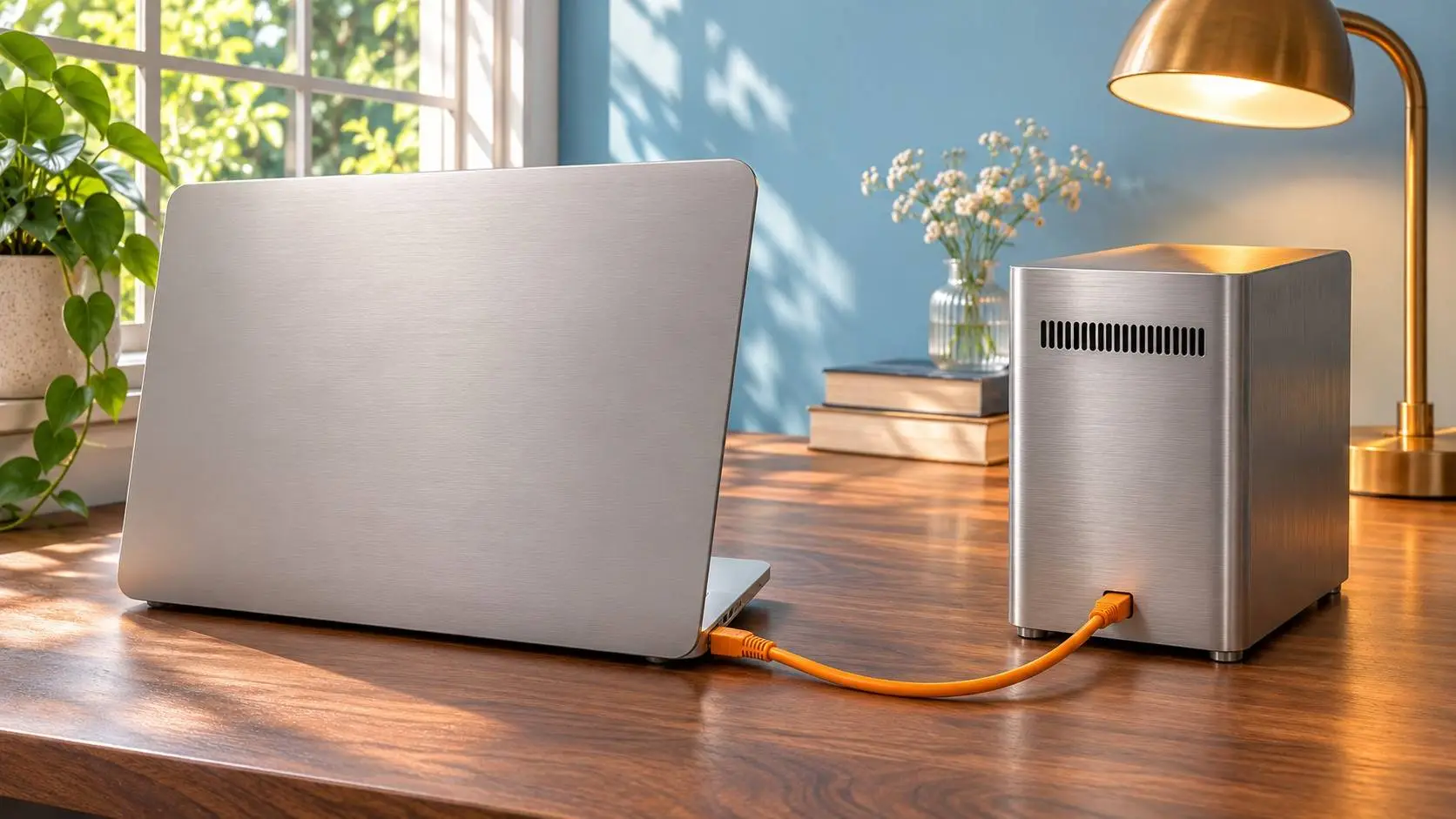
AI-generated editorial illustration of local and remote coding workflows.
Mistral has launched Vibe Desktop on macOS and Windows. It puts work tasks and coding in one app. Users can follow an agent, inspect files and review code changes.
The November 17 release is generally available. Mistral plans to add Linux support. The app joins Vibe's web and command-line tools.
Where Vibe Desktop runs code
The release notes describe local and cloud coding in one place. A local session uses files and tools on the user's machine. A cloud session runs in a managed remote space.
The app has a terminal and a built-in browser. It shows files, code changes and pull requests beside the chat. It can also run commands in the background.
Git worktrees give parallel tasks their own copies of the code. Users can track tasks that an agent hands to other agents.
Work and Code share one app
The desktop guide says local sessions share the command-line agent's core engine. They also share session logs. Users can install Vibe Desktop without a separate command-line app.
Tools and prompts can differ between those versions. Mistral uses Work for research, documents and linked apps. Code deals with files, commands and software projects.
Our Vibe guide explains the wider service. The new app puts those work and code flows in one home.
Review what the agent changes
Mistral's Code overview explains the default rules. The agent can edit files. It asks before shell commands and other sensitive actions.
The ask setup can require approval for each tool call. Users can choose rules for each agent and work space.
The tool rules cover trusted folders and access beyond the work folder. These settings shape what the agent can reach.
Vibe Desktop lets users inspect a command's output or stop a running process. They can then review the code changes in the app. Our Mistral safety guide covers the related data and account controls.


Popular news
Anthropic opens at $111.50 on Nasdaq, 34.34% above IPO price

GAO tests found safety gaps in four major AI chatbots
Nvidia revenue doubles to $115.8 billion as Rubin ships
Nvidia RTX Spark mini PCs bring up to 128GB memory to local AI
Google's Stitch Loop watches live products and proposes code fixes