Man Uses AI to Build Free Alternatives to Photoshop and Premiere Pro—Here’s What They Can Do
NewsUpdated at
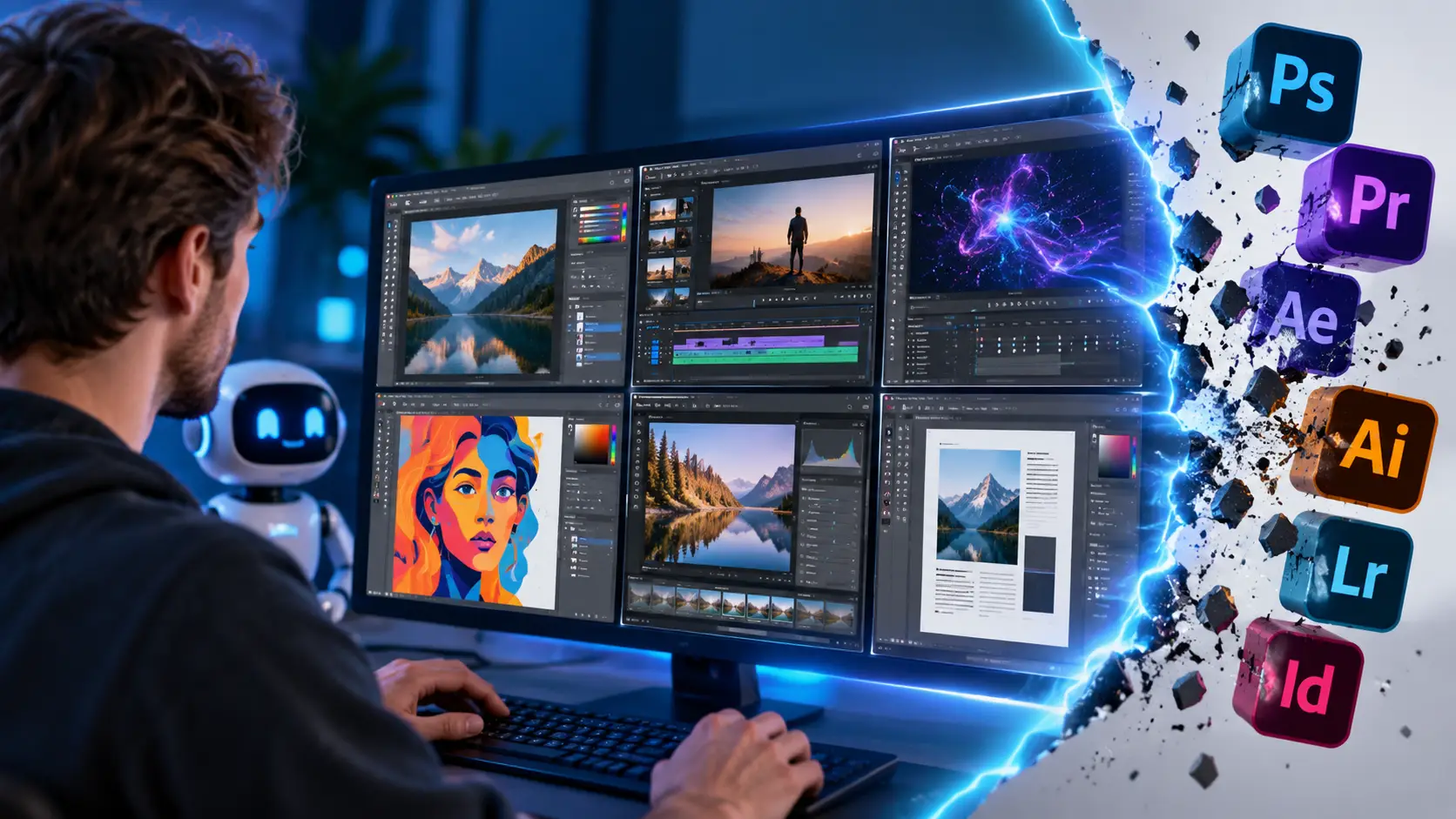
A software developer has used artificial intelligence to build a suite of free alternatives to popular Adobe programs. Called ArtCraft, the project includes replacements for Photoshop, Premiere Pro, Illustrator and After Effects. The software is available for Windows, macOS and Linux. The early versions still have limitations, but the project shows how quickly AI is changing the way complex software is built.
Anyone who edits photos, cuts video or creates illustrations has probably heard of Adobe. Its Creative Cloud suite includes professional tools used every day by designers and video creators—typically for a monthly subscription fee.
Software developer Brandon Thomas is working on an alternative. With help from Claude, Anthropic’s AI model, he has built a suite of programs that closely resemble familiar Adobe apps. The software is free, and its source code is publicly available.
The project is drawing plenty of attention on social media. In a YouTube video making the rounds, tech creator Kirk demonstrates how the programs work. Several of the apps, he says, feel strikingly familiar.
But how good are these free alternatives, really?
From Photoshop to Premiere Pro: free alternatives to try
The software suite is called ArtCraft. Its developer has created several apps that mimic familiar Adobe features and workflows.
The main programs include:
- PhotoCraft: An alternative to Adobe Photoshop for photo editing and working with layers.
- FilmCraft: A video editor modeled on Premiere Pro.
- VectorCraft: A vector illustration tool similar to Illustrator.
- LightCraft: Photo management and RAW editing software inspired by Lightroom.
- EffectCraft: An After Effects alternative for animation and visual effects.
- PdfCraft: Tools for viewing, combining and editing PDF documents.
- DesignCraft: Page-layout and publishing software comparable to InDesign.
The programs are written in Rust, a programming language known for its focus on performance and memory safety.
ArtCraft is also designed with existing Adobe users in mind. Its controls, layout and keyboard shortcuts are meant to feel as familiar as possible.
That sets it apart from many existing alternatives. Switching to different software often means having to learn an entirely new workflow.
How one developer is using AI to build complex software
Perhaps the most striking part of this story isn’t the software itself, but how it was made.
Thomas uses Claude to speed up the coding process, applying an approach often called “vibe coding.”
With vibe coding, users describe in plain language what they want software to do. An AI model then generates code, which the developer can test, refine and expand.
That doesn’t mean AI can deliver a perfect program on its own. Complex applications still demand expertise in software architecture, debugging, security and user experience.
Reports on the project say Thomas has around 15 years of software development experience. His technical background is clearly a major factor.
Even so, the project is remarkable. Programs like Photoshop and Premiere Pro are the product of decades of work by large teams. One developer using AI to build recognizable alternatives in a short time shows just how much coding work can now be automated.
Are these free Adobe alternatives ready for serious work?
A little caution is warranted.
The programs look impressive at first glance, but that doesn’t mean they offer the same capabilities as Adobe’s originals.
TechRadar tested several ArtCraft apps and came away with mixed results.
PhotoCraft, for example, struggled with certain image formats and saving files. During testing, FilmCraft lacked key video-editing tools, including manual clip cropping and proper audio handling.
ArtCraft’s official website also describes several apps as early alpha versions or works in progress.
The programs are worth exploring for simple experiments. But for professional work that demands reliability, file compatibility and advanced features, they’re not yet a complete replacement.
The ambition is there, though. The developer ultimately wants to support as many features of the original programs as possible.
ArtCraft is already moving beyond Adobe
Meanwhile, the project is growing at a remarkable pace.
The official website now lists twelve applications. Alongside its seven creative alternatives to Adobe software, ArtCraft is also developing tools for word processing, spreadsheets, presentations, audio editing and technical drawing.
These include WordCraft, GridCraft and DeckCraft, which are comparable to Microsoft Word, Excel and PowerPoint, respectively.
SoundCraft and CADCraft extend the project into audio production and technical design.
These applications are still in development, so this is not a lineup of twelve finished, professional-grade software packages.
Still, the expansion makes the developer’s goal clear: to offer a broad range of free software that helps users rely less on costly subscriptions.
AI could reshape the software market
ArtCraft is part of a broader trend: AI is making software development easier than ever.
Building a complex application once required a large team. Today, an experienced programmer can create prototypes and add new features much faster.
That could have major consequences for companies that make money from software subscriptions.
A program doesn’t need every feature in Photoshop to be useful. For someone who just wants to crop images, work with layers or create simple designs, a more limited free alternative may be enough.
Established software companies still have significant advantages. Adobe offers more than individual apps: its products come with integrations, collaboration tools, support and features refined over many years.
And maintaining software matters just as much as building its first version. ArtCraft will need to show that its applications remain stable and that its developers can fix bugs and security issues.
Is ArtCraft really open source?
ArtCraft publishes its applications’ source code on GitHub. The official Crafting Apps page says they are available under permissive licenses.
But there is an important distinction between the individual applications and the broader ArtCraft platform. The publicly available license for ArtCraft Studio restricts, among other things, commercial resale and the development of competing products.
That means not every part of the ecosystem can automatically be considered fully open-source software that anyone is free to use. Anyone planning to reuse the code commercially should check the license for the relevant repository.
There are also legal questions surrounding the applications’ strong similarities to Adobe software. The developer says the apps were written from scratch and contain no copied Adobe source code.
But replicating functionality is different from copying protected code or design. Whether any specific elements could raise legal issues remains unclear.
How to download ArtCraft for free
To try the applications, visit the official website: https://getartcraft.com/apps
The site lists available applications and installers for Windows, macOS and Linux.
ArtCraft also offers a launcher for installing and updating multiple apps. Browser-based versions are available for some applications, too.
Since many of the programs are still in development, experiment with copies of your files first—and don’t store important work exclusively in this software.
A glimpse of software’s future?
For now, ArtCraft is above all an impressive experiment.
Its applications aren’t mature enough to replace Adobe Creative Cloud for every professional. But it’s remarkable that a relatively small development project can use AI to produce so many familiar applications in such a short time.
So perhaps the biggest question isn’t whether Adobe will become obsolete tomorrow.
The more compelling question is what happens when thousands of developers use the same AI tools to build alternatives to software that, for years, only large companies could create.
ArtCraft offers a glimpse of what that future could look like.

Popular news

Latest comments
Loading