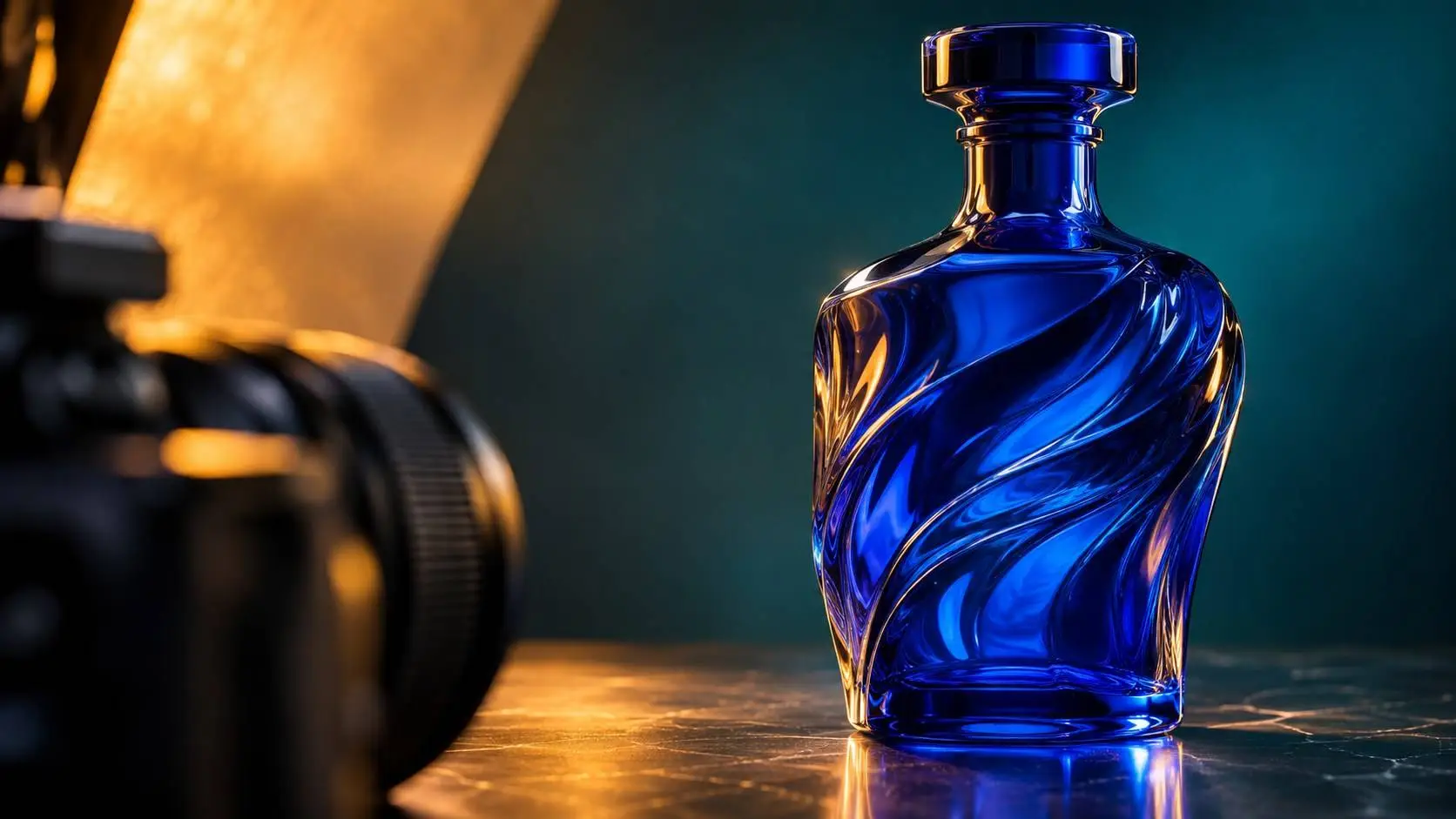
Kling Image 4.0 can make high-resolution stills and a set of related images. AI-generated editorial illustration.
Kling Image 4.0 can make a still image at 8K and build a set of up to ten shots from one brief. Kling AI has put the model in its Creative Studio and opened API access for developers and businesses. The release gives design teams a way to plan a set of related pictures in one place.
The November 18 launch is for still images. Kling also sells a video model with a similar name. The image release puts the focus on fine detail, layouts with words and pictures that share a look across a set.
What Kling Image 4.0 can make at 8K
Kling lists 2K, 4K and 8K as options. A large file gives a designer more room to crop a detail and still keep a usable number of pixels. A team making art for a wide display may value that more than a team making a small card for a phone.
Image size and image quality are distinct. A larger file can still give a product the wrong shape or leave an odd reflection in a glass. Kling says the model has better light and texture. Those are claims from its own release. A real project has to judge them with its own brief and images.
How image sets change the brief
The Kling Image 4.0 release notes describe a mode that can plan up to ten shots as a group. A team could ask for a wide image and closer looks at the same object. The model aims to keep the subject and visual style steady as the view changes.
That can save the work of giving each picture its own prompt. It is also a new place to check the results. If a picture shows a bottle with a wide cap and the next one shows a narrow cap, the pair can look wrong as soon as they sit next to each other. A good review looks at the whole set at once.
The release notes also list ways to use reference images. A team can bring a picture of its own object or a style sample to the brief. Those references give the model more to work with. They also give the reviewer something to compare against, such as the shape of a bottle or the color of its glass.
What to check before using the output
Kling says the model can render up to 2,000 characters in a picture, supports seven listed languages, and offers more than 70 fonts. These options suit draft layouts. For a live ad or product page, a person still needs to check the words against the brief. Names, prices and terms can have real effects when a draft turns into an ad.
The company’s user guide shows examples and ways to start. Our report on Canva’s generative AI controls takes up a related choice. A team needs to know when it will use generated art and what it must check before that art goes live.
File size, style and type are all part of the check.
Popular news

Tencent releases Hy4 weights with new terms for large AI hosts
Claude computer use reaches Team and Enterprise in beta
Proposed Claude-assisted Riemann proof passes independent checks
ChatGPT Space reaches Plus with shared pages and slides
Cognition launches Devin Bots to manage multiple coding sessions