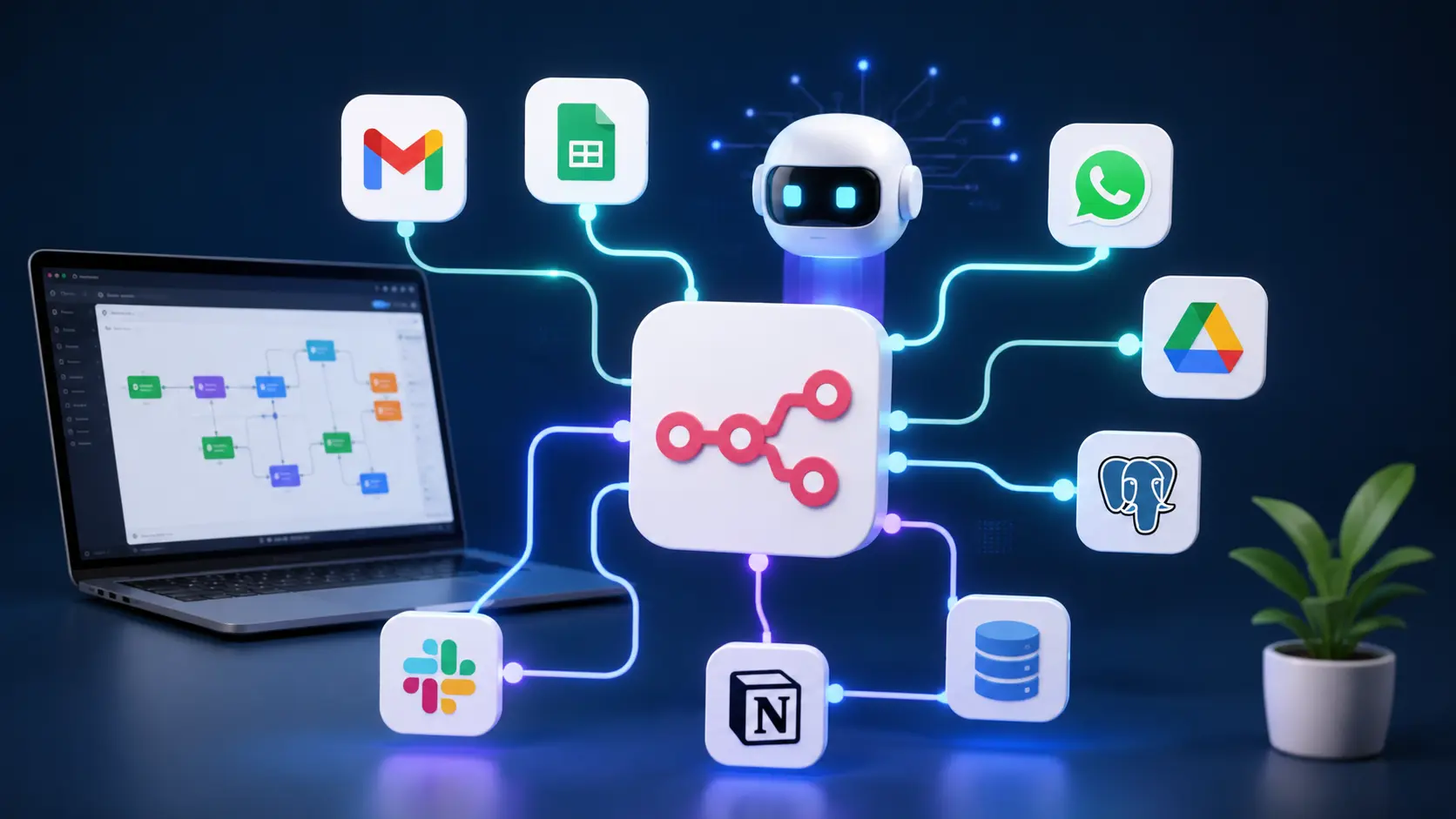
AI becomes truly powerful when different systems work together on their own. That’s exactly what n8n was built for.
n8n is an open-source automation platform that connects hundreds of apps, AI models, and databases—without manual busywork. Instead of isolated actions, you build end-to-end workflows that make decisions, process data, and trigger new tasks autonomously.
For example, a workflow can automatically:
- read an email;
- ask ChatGPT to create a summary;
- save key details to Notion;
- create a task in Jira;
- send a Slack alert;
- generate a report in Google Docs.
All of it happens in the background—no clicks required.
That’s why n8n is exploding in popularity among companies that want to go beyond AI-written text and automate entire operations.
Why n8n is taking off
A few years ago, automation meant simple “if this, then that” rules. Generative AI blew that up.
Today, more organizations are building AI agents that analyze documents, answer emails, draft quotes, or handle customer queries on their own. To pull this off, you need software that connects dozens of systems seamlessly.
n8n is built for that because it:
- is fully visual;
- supports thousands of APIs;
- is open source;
- can run on your own server;
- supports AI models from OpenAI, Claude, Gemini, and local LLMs;
- is virtually unlimited in extensibility.
ChatGPT provides the brains; n8n is the engine that wires the whole system together. You can start right away on the n8n website.
Who n8n is for
Many assume n8n is only for developers. That hasn’t been true for a while.
It’s now used by:
Entrepreneurs
Automate quotes, CRMs, invoices, and customer communication.
Marketers
Auto-generate blogs, social posts, newsletters, and SEO reports.
Developers
Build complex API integrations and AI services without repeating boilerplate.
Journalists
Let AI analyze documents, summarize interviews, and organize research files.
Researchers
Process thousands of PDFs and combine AI with databases and search systems.
Cloud or self-hosted?
This is where confusion often starts.
n8n Cloud
Pros
- online in five minutes;
- no maintenance;
- automatic updates;
- ideal for beginners.
Cons
- monthly fees;
- less control.
Self-hosted
Pros
- full control;
- unlimited workflows;
- cheaper at scale;
- privacy.
Cons
- need to learn Docker;
- manage updates;
- requires your own server.
For hobbyists, Cloud is usually the fastest path. Companies often go self-hosted for cost, security, and scalability.
Your first AI workflow
A simple workflow shows how powerful n8n can be.
Every new Gmail message gets an automatic AI analysis.
The AI decides:
- is this a customer?
- is it spam?
- does someone need to reply?
- what’s the priority?
Then it triggers:
- a task in Notion;
- a Slack notification;
- a CRM update;
- a drafted reply via ChatGPT;
- a saved summary.
What used to take ten minutes now takes seconds.
Building AI agents
This may be the defining shift of 2026.
An AI agent is more than a chatbot. It has memory, uses external tools, and takes actions independently.
With n8n, you build an agent by combining several parts:
- a language model like GPT-5 or Claude;
- memory;
- tools such as Gmail, Slack, or Google Drive;
- databases;
- a vector database for Retrieval-Augmented Generation (RAG);
- decision logic;
- human approval when needed.
The result is a system that not only answers questions but also executes tasks on its own.
Install n8n
One of the biggest myths about n8n is that it’s hard to install. That may have been true years ago, but today you can be up and running in under five minutes.
The best setup depends on your experience and what you want to use n8n for.
Option 1: n8n Cloud (best for beginners)
The simplest route is n8n Cloud. No software to install, no servers to manage. Create an account and you’re immediately in the workflow editor to start building.
This option is ideal if you want to:
- learn how n8n works;
- experiment quickly;
- avoid technical setup;
- skip maintaining your own server.
For most beginners, this is the smart choice.
Option 2: Self-host with Docker
Want maximum control, lower long-term costs, or prefer to keep sensitive data on your own infrastructure? Docker is the most popular pick.
Docker packages n8n in an isolated environment, making updates simpler and keeping your setup stable.
Self-hosting gives you:
- full control over your data;
- unlimited room to extend;
- integrations with internal systems;
- support for local AI models like Ollama.
For businesses, this is often the preferred route.
Option 3: VPS or your own server
Many organizations run n8n on a Virtual Private Server (VPS) from providers like DigitalOcean, Hetzner, or OVH.
This lets you run dozens—or even hundreds—of workflows in parallel without relying on a cloud subscription.
Combine it with PostgreSQL, Redis, and Docker for a production-grade setup.
Which setup should you choose?
| Situation | Best choice |
| You want to learn | n8n Cloud |
| Freelancer | n8n Cloud or Docker |
| Small business | Docker |
| Large organization | Own server |
| Sensitive data | Self-host |
| AI agents at scale | Docker + VPS |
For most readers: start in the cloud, then move to your own server later if needed.
Inside the interface
The first time you open n8n, the interface is strikingly clear. Everything revolves around a central canvas where you build workflows.
Think of it as a digital flowchart. Each step performs a specific task and passes the result to the next.
The key parts are:
Nodes
Nodes are the building blocks of every workflow.
Each node does one job.
For example:
- Fetch Gmail
- Read a PDF
- Call ChatGPT
- Update a database
- Send a Slack message
- Populate an Excel file
A typical workflow uses ten to thirty nodes.
Connections
Connections between nodes determine how data flows through the workflow.
Picture a conveyor belt where each step adds or changes something.
Triggers
Every workflow starts with a trigger.
That could be:
- a new email;
- a form submission;
- a webhook;
- a scheduled time;
- a WhatsApp message;
- a new customer;
- an API call.
From that moment, n8n automatically runs all subsequent steps.
Executions
After each run, you can inspect exactly what happened.
You see:
- which node was active;
- what data was processed;
- where any errors occurred;
- how long each step took.
This level of transparency makes n8n far nicer to work with than most other automation platforms.
Build your first workflow
Let’s build something immediately useful.
Imagine you get dozens of emails every morning.
Normally, it takes time to read, prioritize, and trigger actions.
With n8n, that’s fully automatic.
Step 1. Receive a new email
The Gmail Trigger continuously checks for new messages.
Step 2. AI analyzes the content
A GPT model reads the email and automatically determines:
- what the message is about;
- whether it’s important;
- what action is needed;
- which category it belongs to.
Step 3. Create a summary
The AI generates a short summary of up to three sentences.
So you don’t have to read every email in full.
Step 4. Set the priority
Is it from a customer?
Then the email is automatically marked High.
Is it a newsletter?
Then it moves to a separate folder.
Step 5. Create tasks
When action is required:
- a task is created in Notion;
- a Slack alert appears;
- the CRM is updated.
The whole process usually takes under ten seconds.
Connecting AI to n8n
n8n’s real power shows when you add AI.
Virtually all well-known models can be integrated.
Think of:
- OpenAI GPT-5
- Claude
- Gemini
- Mistral
- DeepSeek
- Ollama
- Grok
- OpenRouter
That lets you use AI for almost any step in a workflow.
For example:
- summarizing documents;
- sentiment analysis;
- drafting proposals;
- classifying customers;
- describing images;
- generating SQL;
- reviewing code;
- producing reports.
Instead of a single chatbot, you build a complete system where AI supports decisions autonomously.
Building AI Agents in n8n
Since 2025, this is the trend everyone in AI is talking about.
An AI agent is far more than a chatbot.
An agent can:
- remember information;
- use tools;
- browse the internet;
- search databases;
- take actions;
- make rule-based decisions;
- execute multiple tasks in sequence.
In n8n, you build such an agent by connecting components.
A simple architecture looks like this:
User → AI model → Memory → Tools → Decision → Action → Feedback
It sounds complex, but in the visual editor you just drag these parts onto the canvas and link them together.
In minutes, you can build an AI assistant that manages calendars, analyzes documents, or handles customer queries on its own.
The difference from a basic chatbot is stark. A chatbot answers a question; an AI agent completes a task. That’s exactly why more companies are investing in agentic AI—where AI doesn’t just advise but actually automates processes.

Latest comments
Loading